AI virtual try-on
Before you buy,
see it on you.
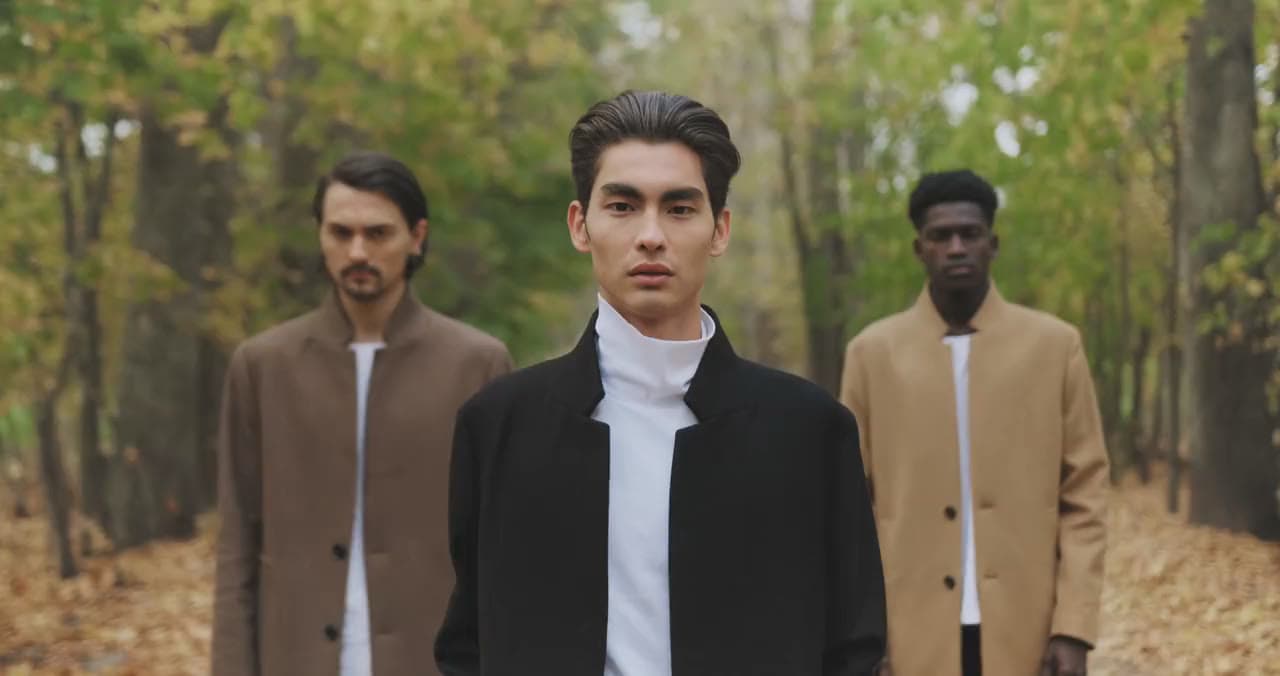
Upload an everyday photo and the pieces you want to try. BeginDress uses AI to make a photo of you wearing them, so shopping online takes less guessing.
Big occasions
A wedding, a date, work:
try it on before you decide.
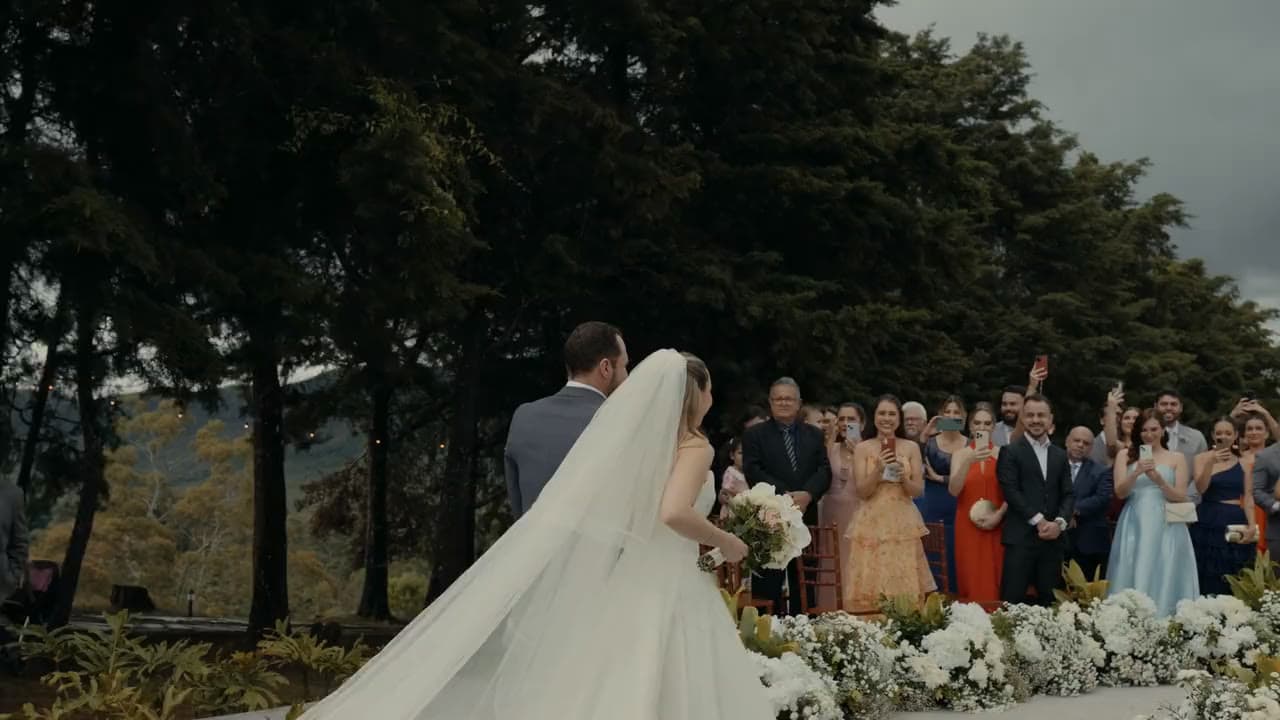
Pick an occasion and BeginDress swaps the background and light for that setting. You and the outfit stay the same, and you know before you leave whether it fits the day.
The whole look
Top, bottom, shoes:
all on at once.
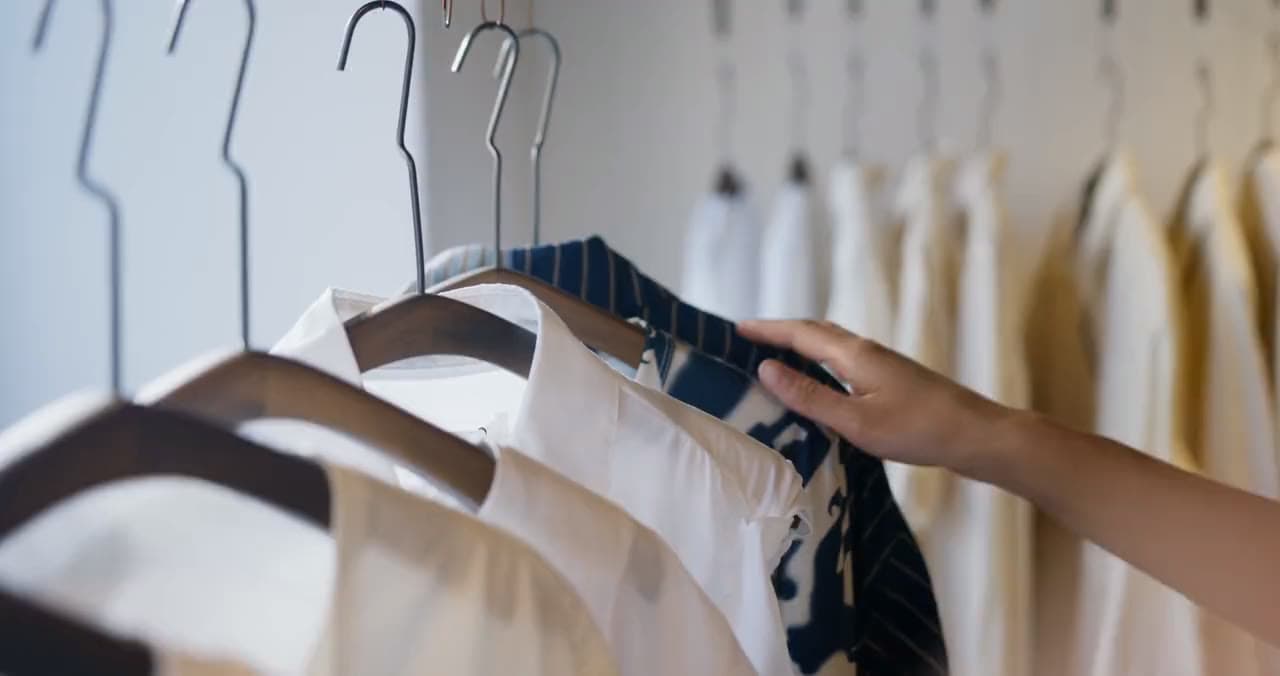
Does the new top go with the trousers and shoes you already own? Try all three together and see the whole look, instead of imagining it one piece at a time.
No credit card: sign in with Google or Apple and start.
Free trial
Try a few looks for free,
subscribe if you like it
Every account gets a free AI quota each month. Nothing to pay first, no card to add.
Free account
NT$0
About 15 pictures a month
- Sign in with Google or Apple and start
- No credit card
- Resets every month, nothing to renew
- Try-ons, occasions and editing included
Used up the free quota and want more? Plans from NT$99 a month, about 60 to 280 pictures.
See the plansWhat it does
Try on, change the setting, edit: all in one place
A whole outfit
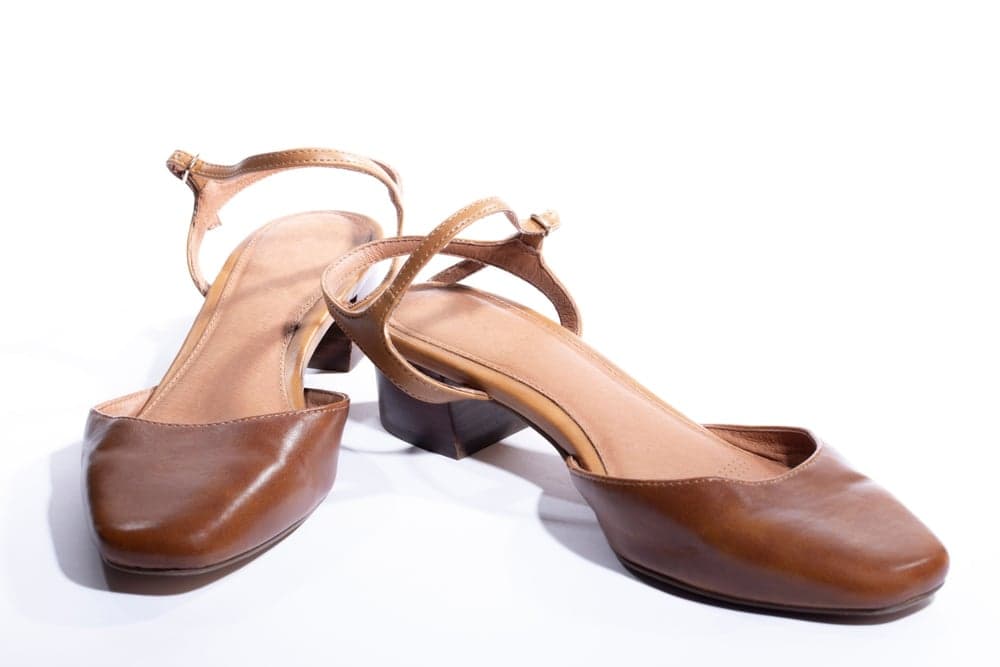
Upload a photo of yourself, pick a top, a bottom and shoes, and BeginDress uses AI to make a photo of you wearing all of it.
Highlights
- Top, bottom and shoes together, or just one of them
- A shop screenshot or a flat-lay photo both work for the clothes
- Photos and pieces you used before can be picked again, no re-upload
- Compare side by side with your original photo
Poses and occasions
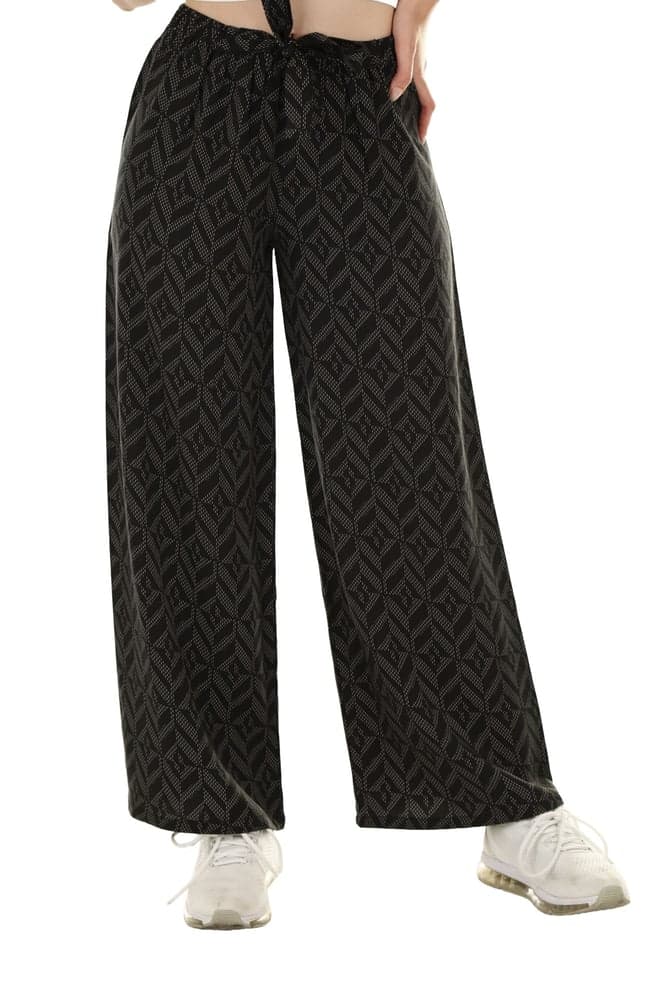
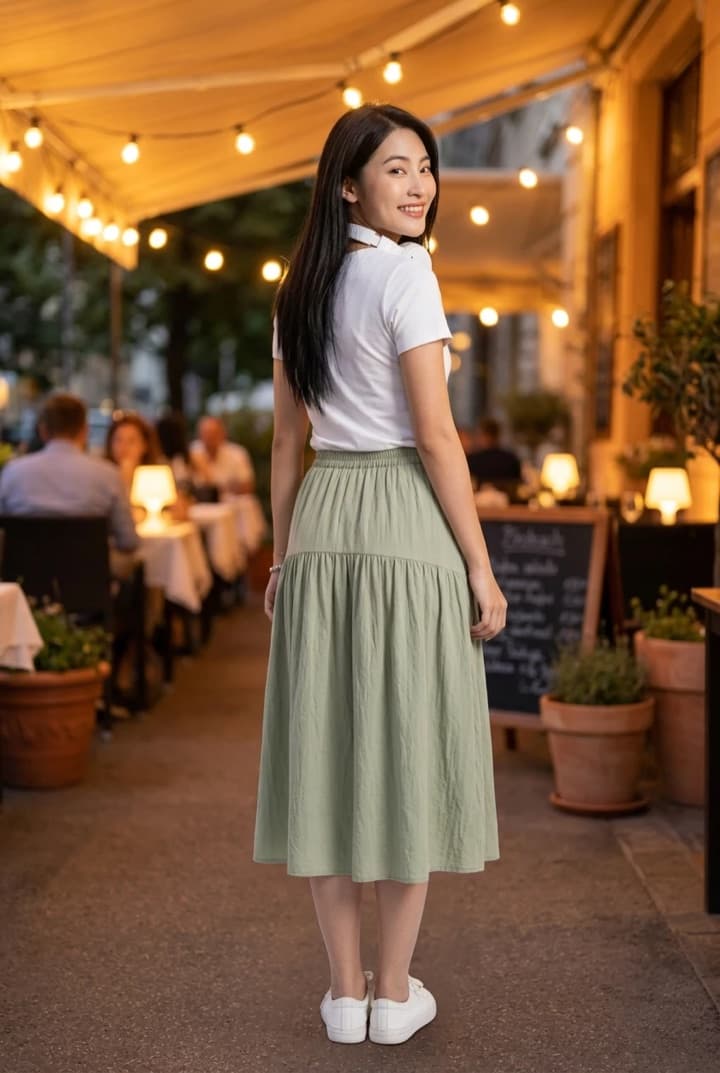
The same outfit in another pose or setting. Every combination is a new version, kept next to the original result.
Highlights
- 5 poses: Facing front, Three-quarter, Hand in pocket, Walking, Looking back
- 8 occasions: Everyday, Work, Date, Party, Wedding, Travel, Beach, Outdoors
- Pick a pose and an occasion together, or just one
- Switch between the versions you made at any time, at no cost
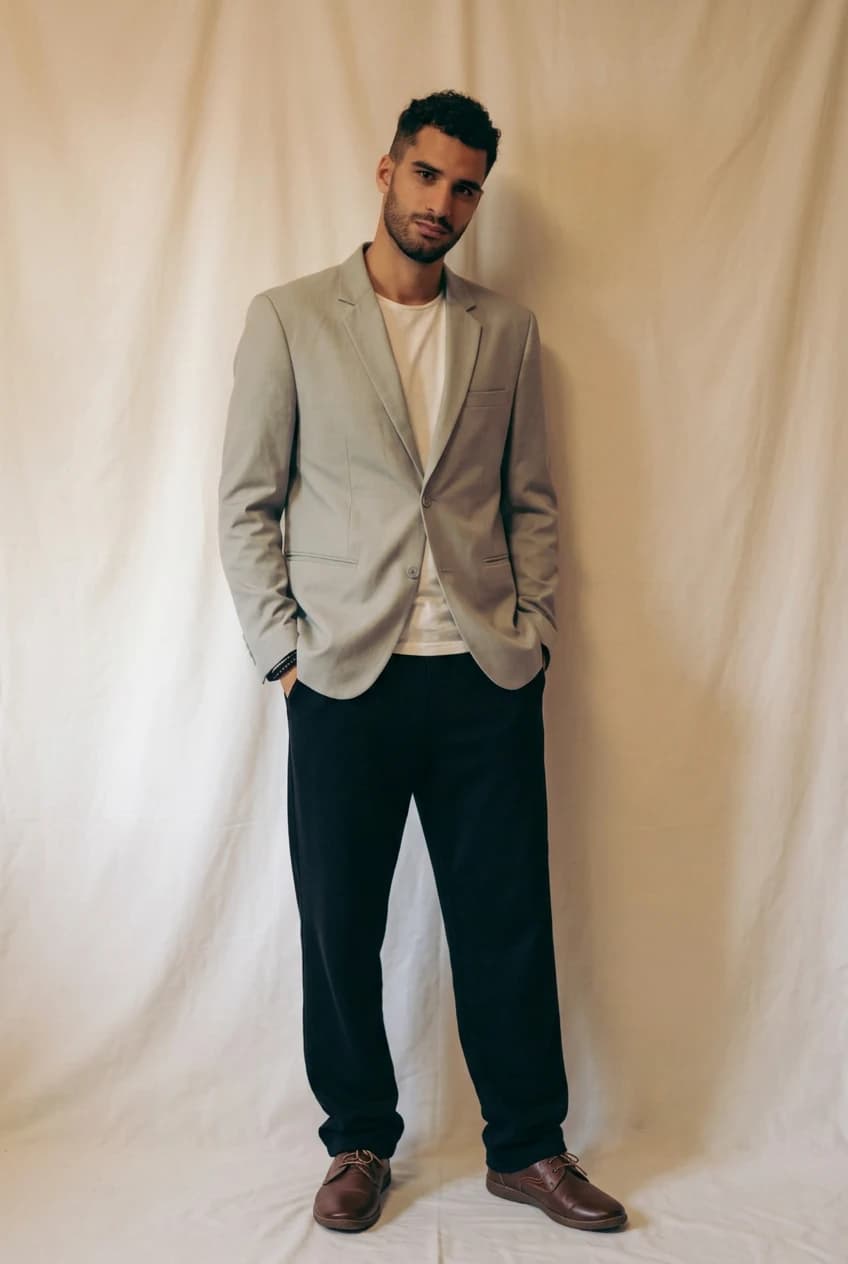
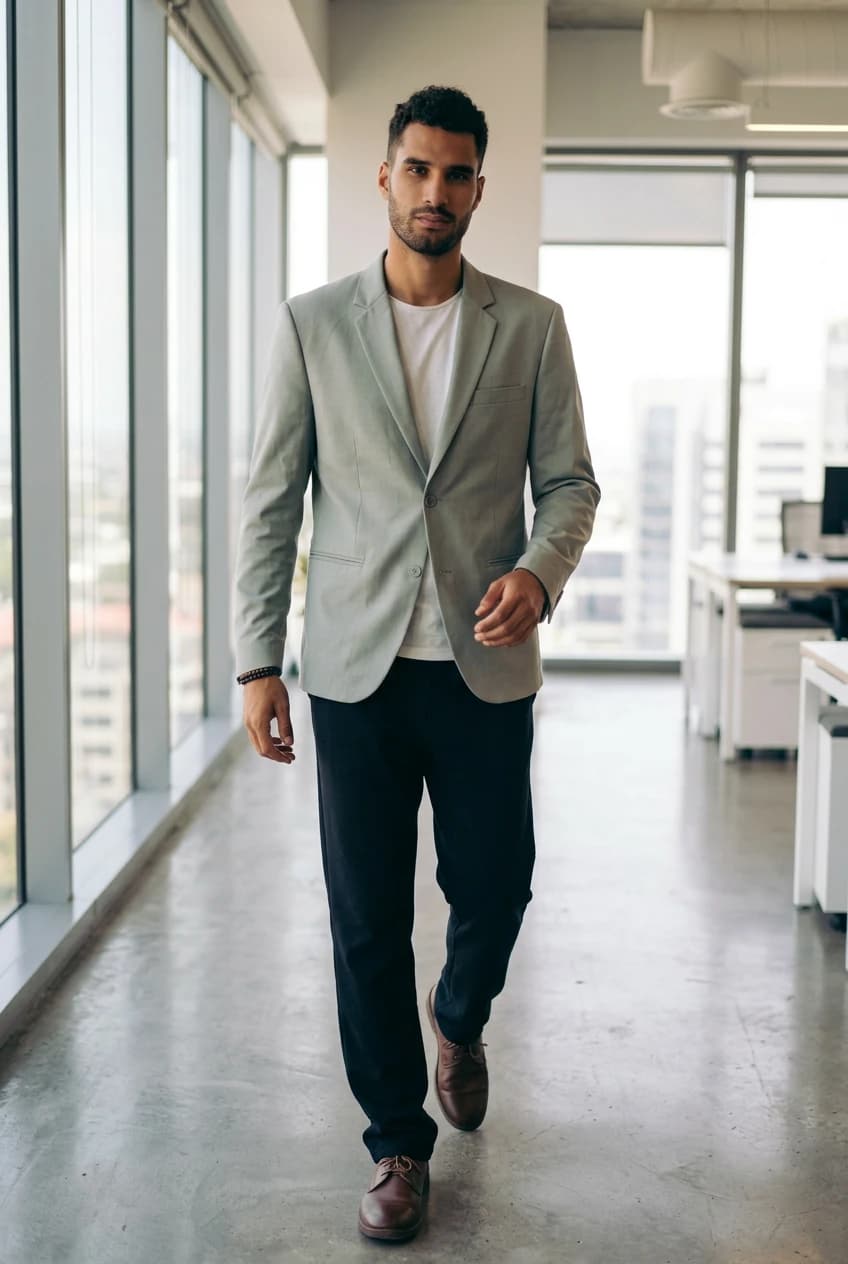
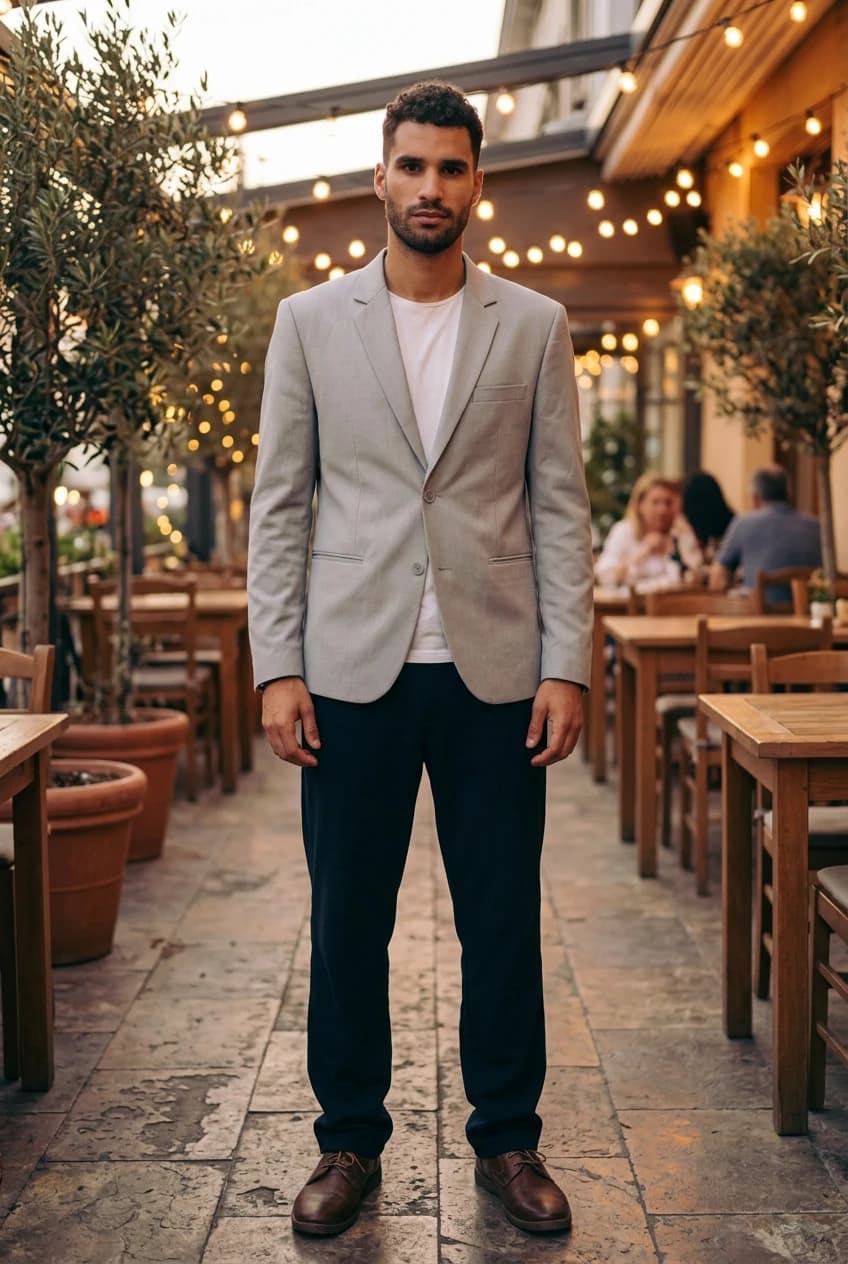
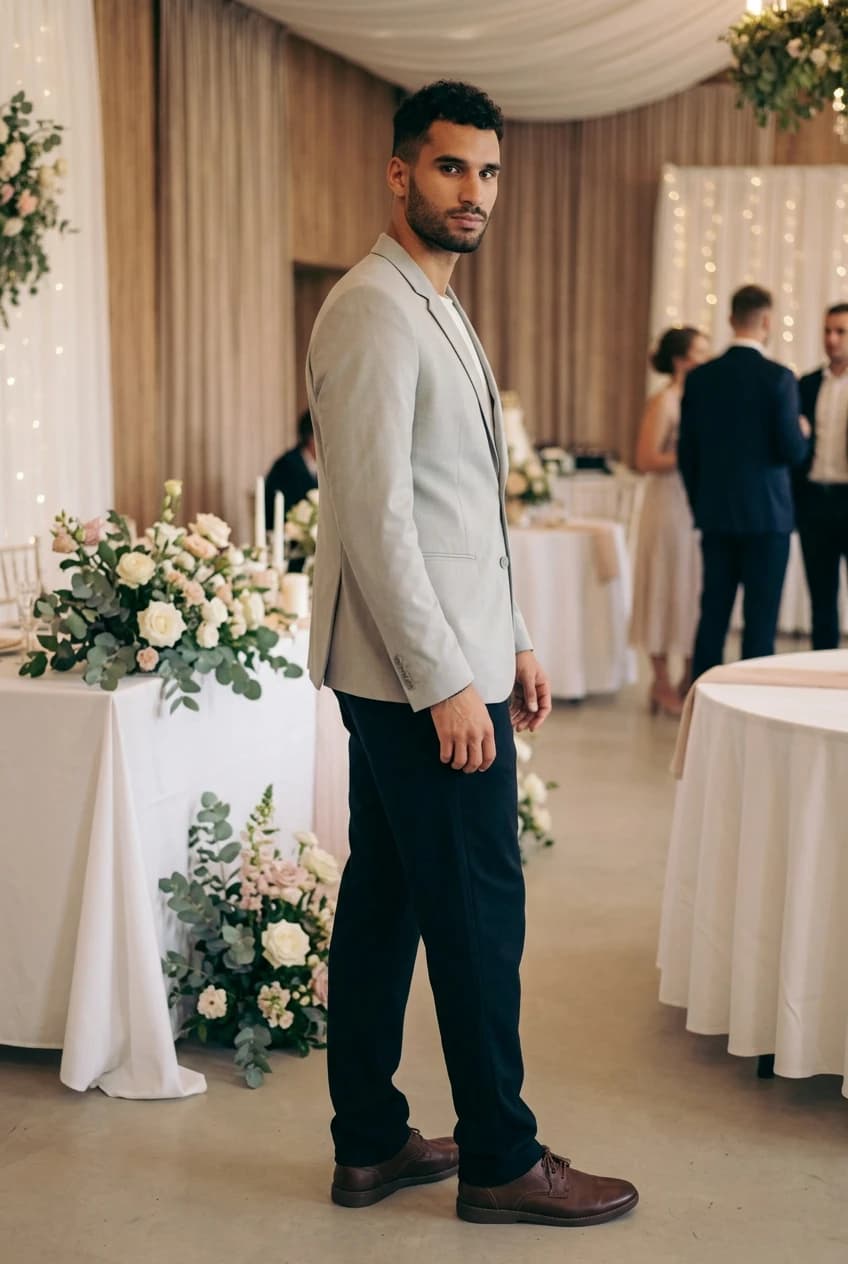
Photo editing
Edit a result right here: crop it, adjust the brightness, change the tone or remove the background, without opening another app.
Highlights
- Crop, rotate, and adjust brightness, contrast and warmth
- 10 looks applied with one tap, such as Black & white, Film, Japanese
- Cut out swaps the background for white, erase paints out what you do not want
- Save over the original, or as a copy
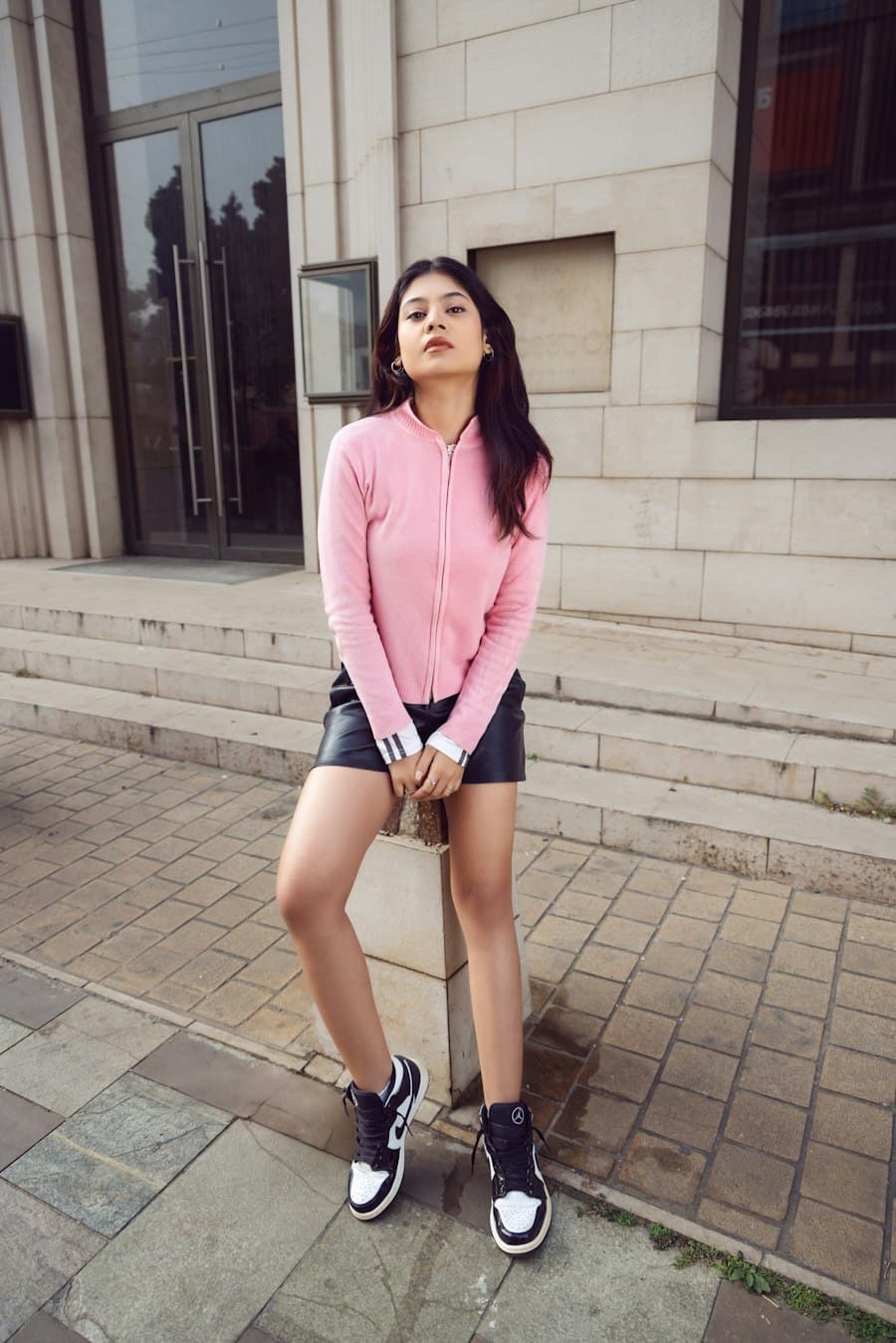
Stickers
Put shapes, words and the details of the outfit on a result, and make it your own outfit picture.
Highlights
- Shape and text stickers, with any words you like
- An outfit sticker: the date, the occasion and the pieces
- Describe it in a sentence and let AI make a sticker just for you
- Move, resize and rotate a sticker, and change it again after saving
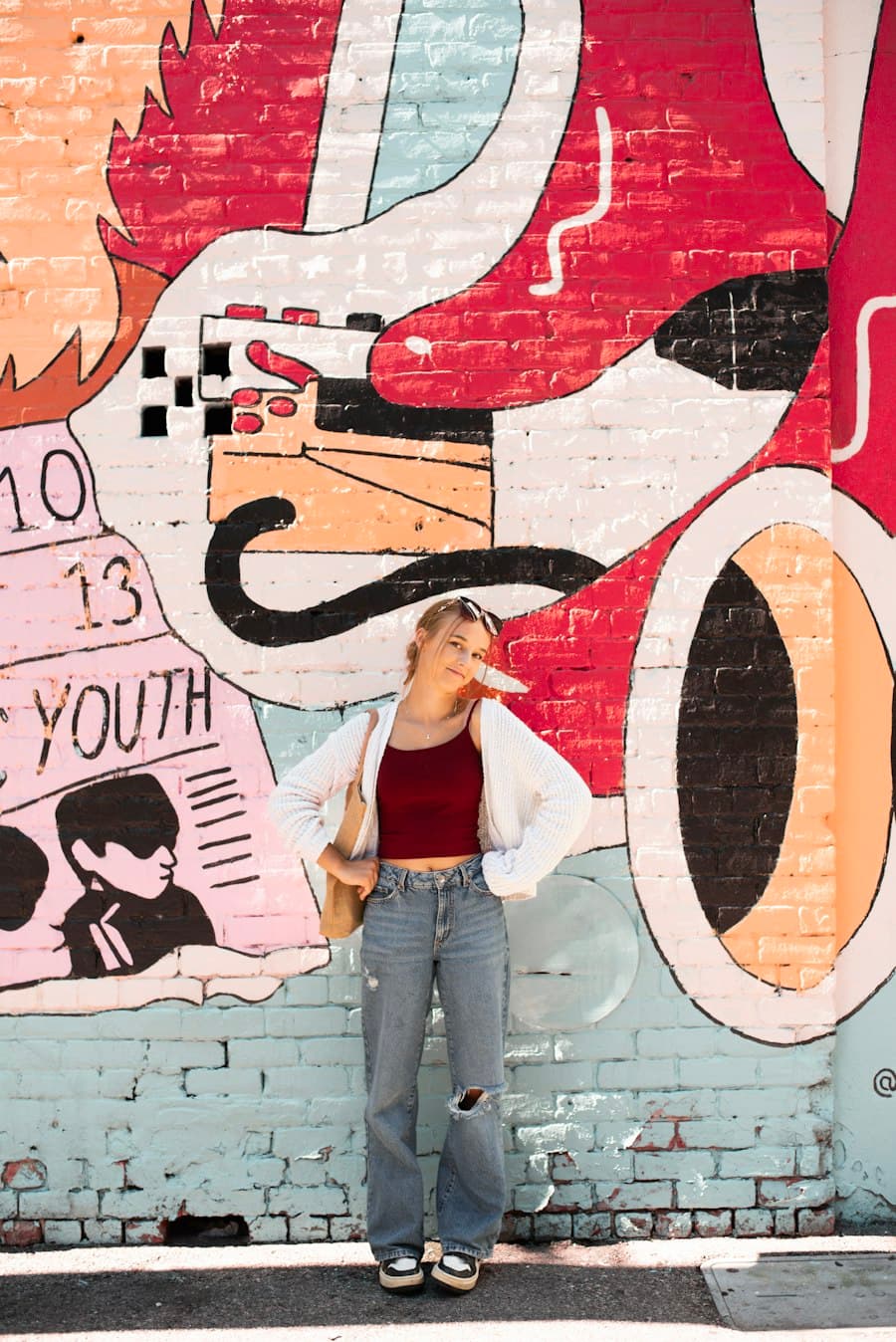
My try-ons
Every try-on, every version and every edited picture is kept here, ready to compare, download or edit later.
Highlights
- Name each record yourself
- All the versions of an outfit together
- Tap a card to keep editing
- Try another outfit on the same photo, no re-upload
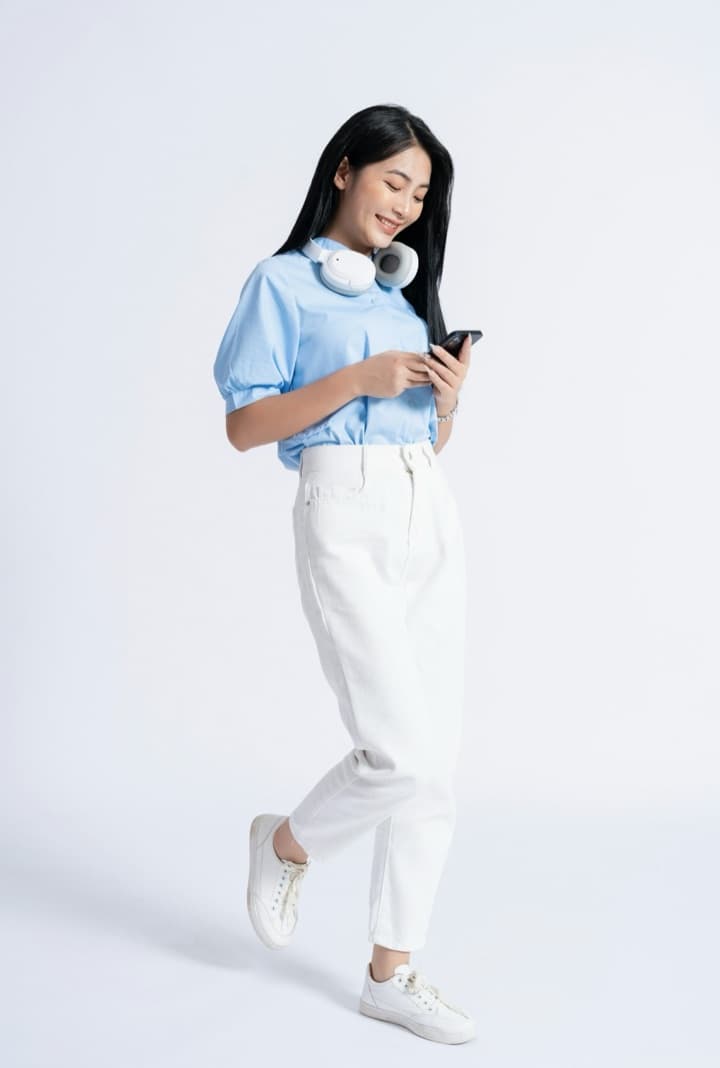
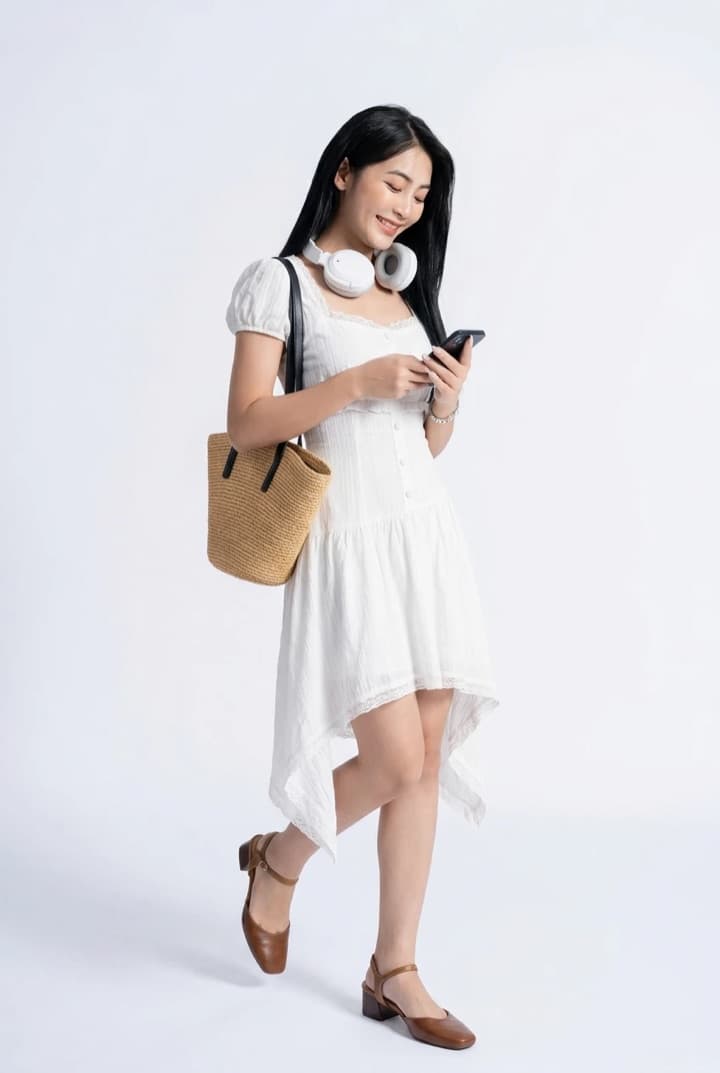
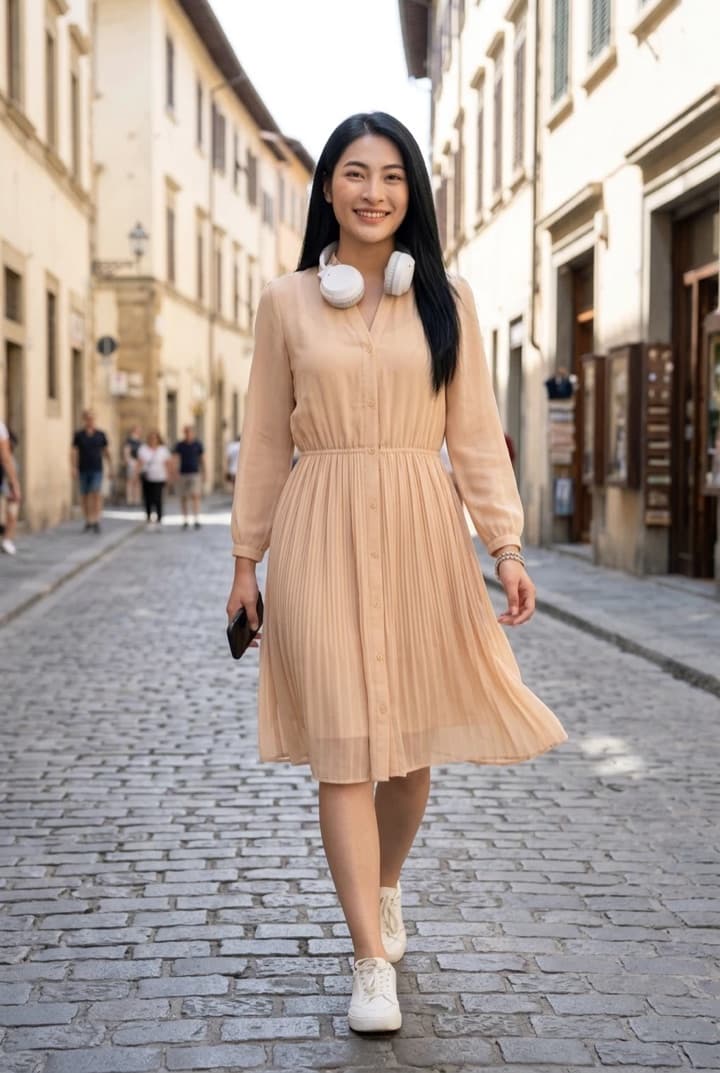
How it works
Three steps to a new look
- 01
Upload a photo of yourself
A well-lit everyday photo, facing the camera.
From your photosTake one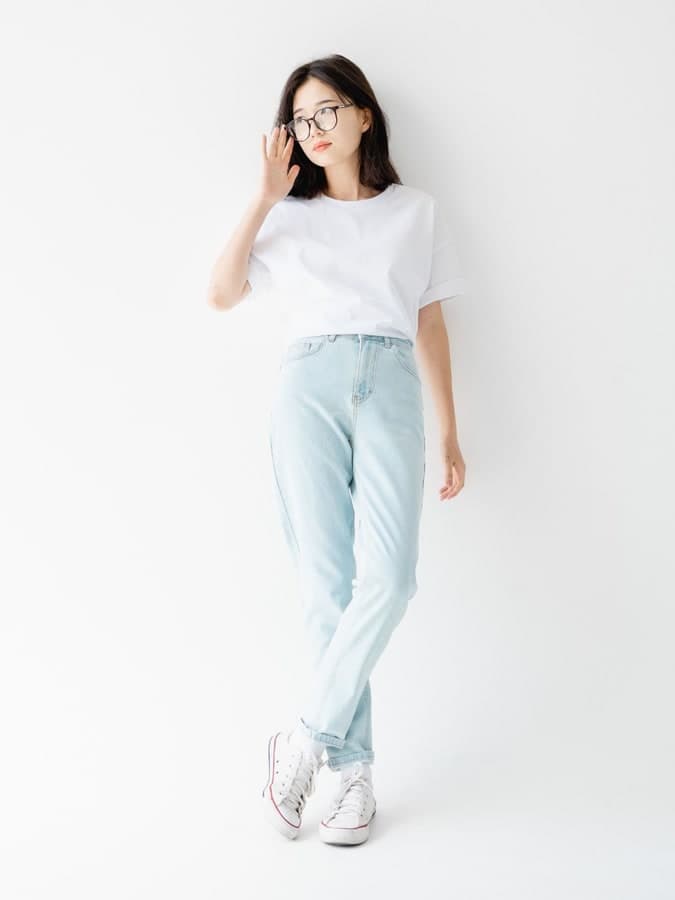
- 02
Upload the clothes
A screenshot from a shop or a flat-lay photo.
Shop screenshotFlat lay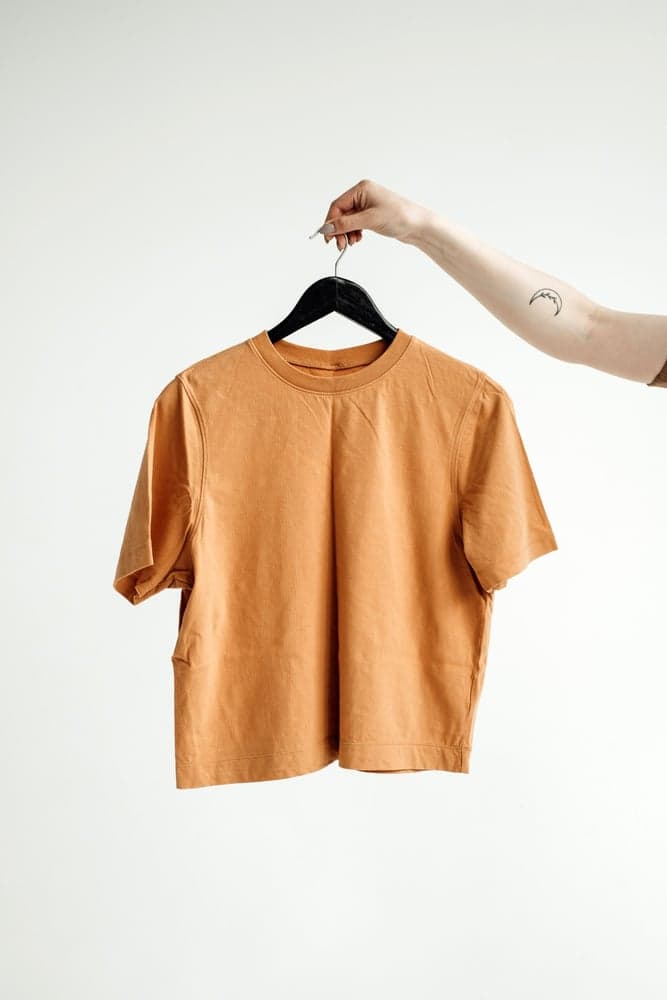
- 03
See the result
In about 10 to 50 seconds, a photo of you wearing it.
OriginalTry-on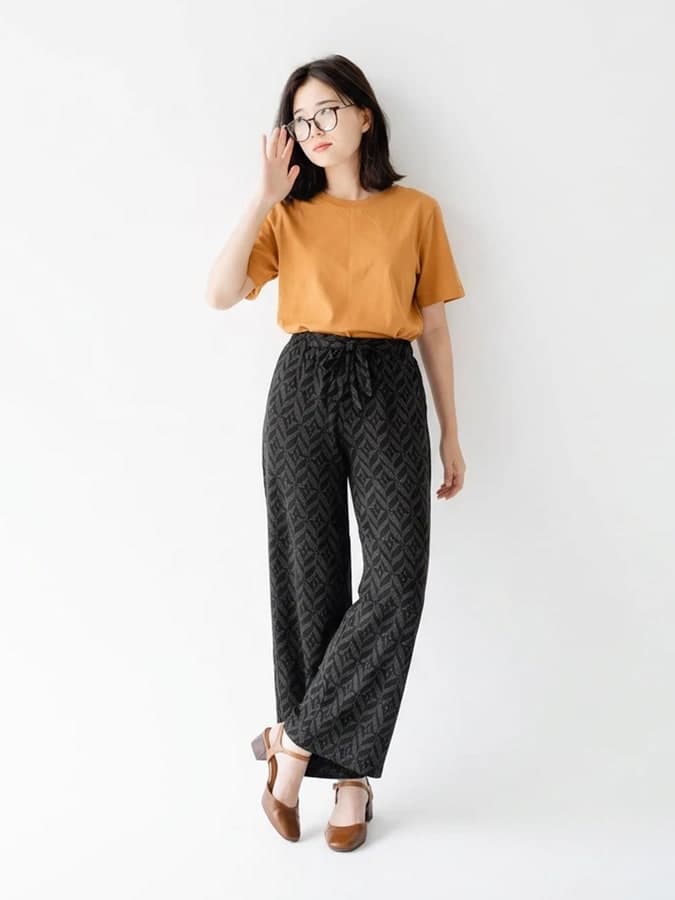 OriginalTry-on
BEHIND THE PICTURE
Photo in, new look out
So what happens in between? We drew one photo's journey as five stops: which AI models do the work, how long it takes, and whether your photos are ever used for training.
Follow a photo throughExamples
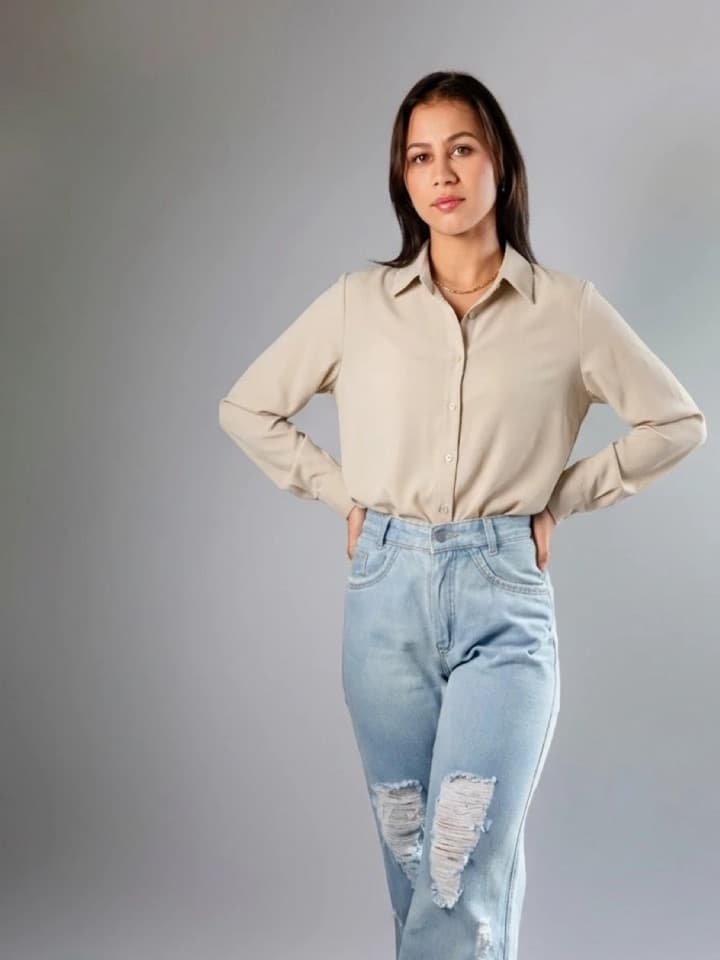
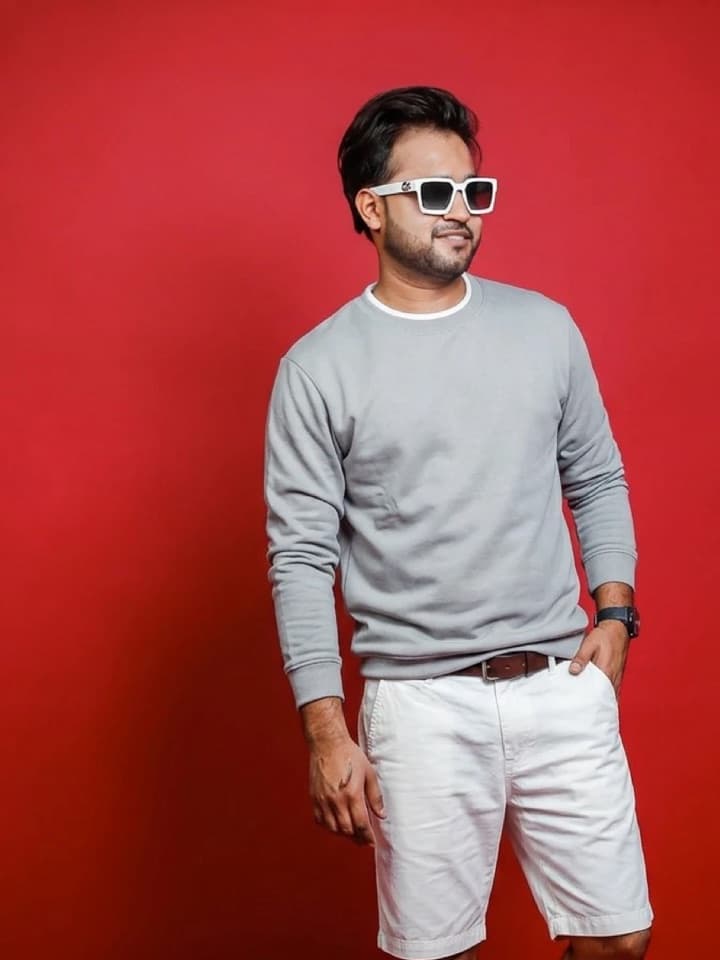
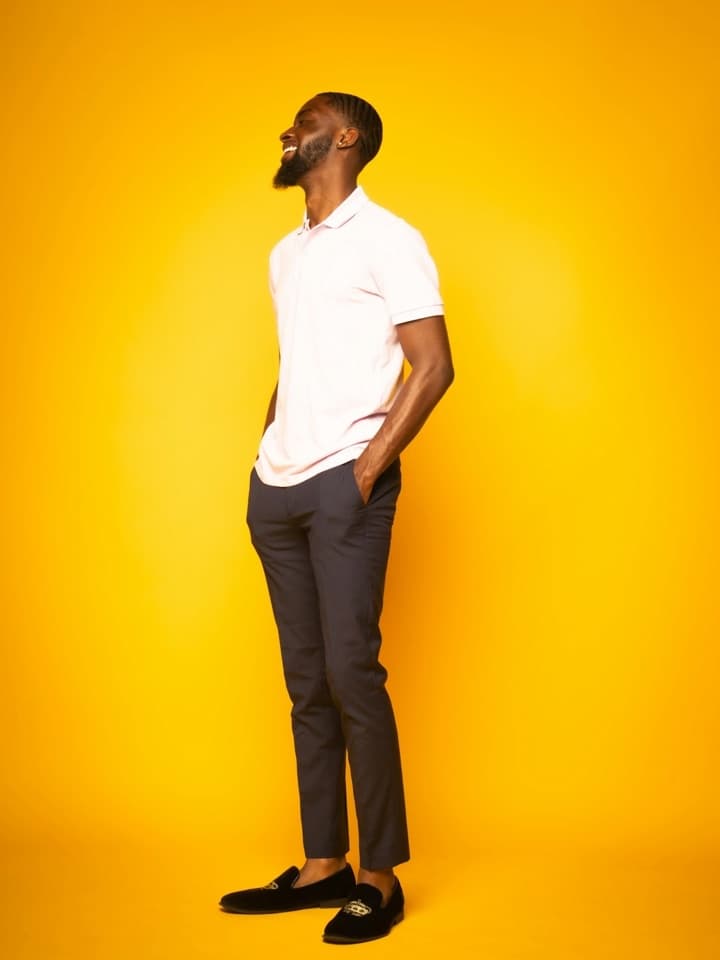
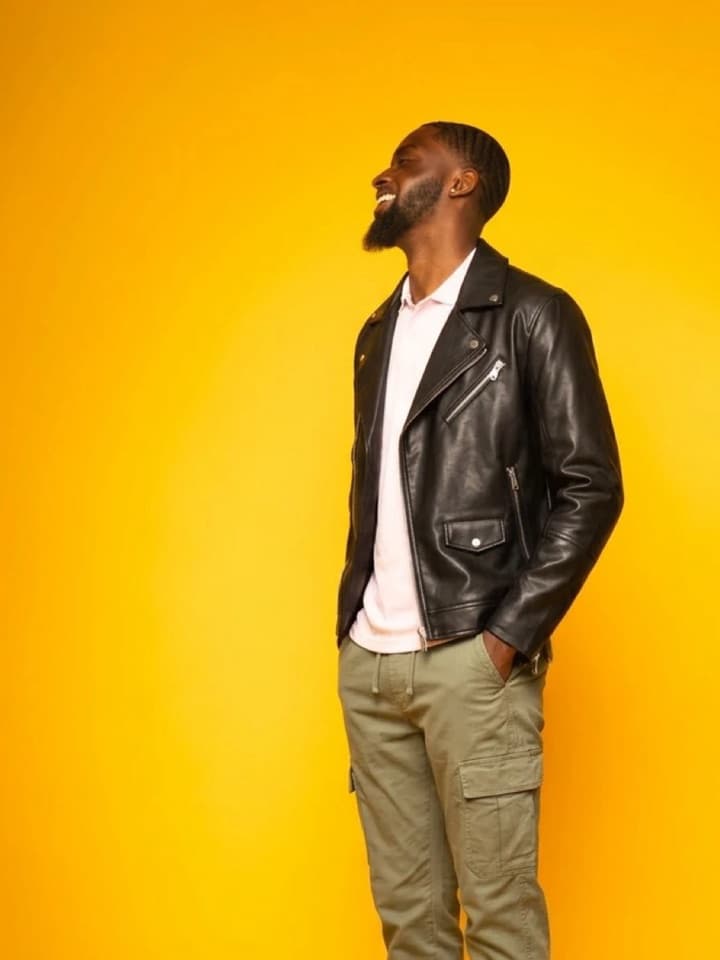
See how others look
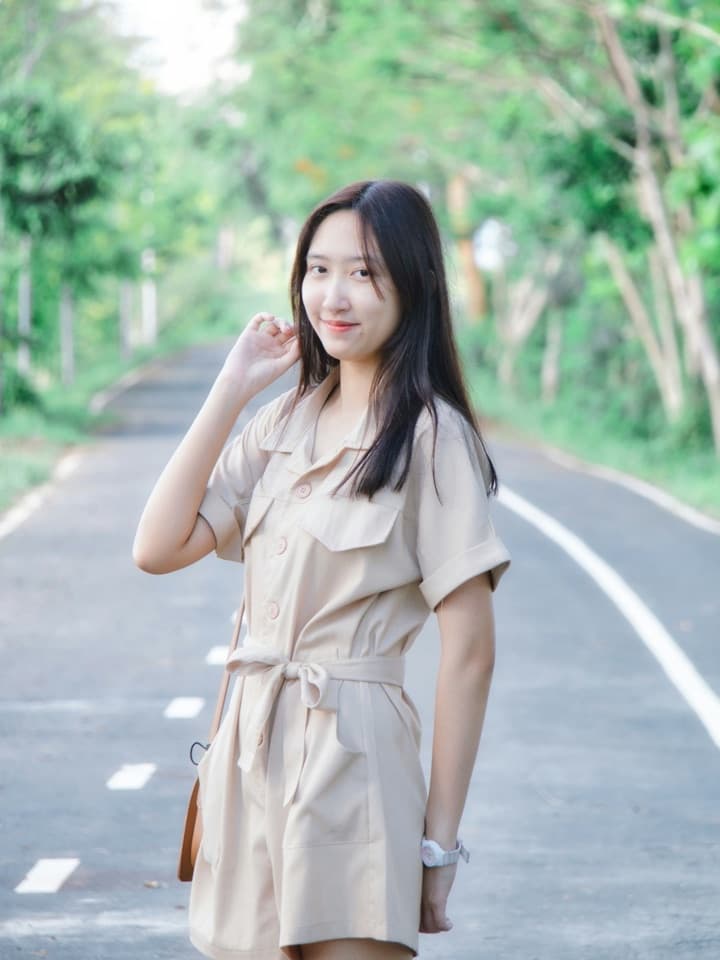
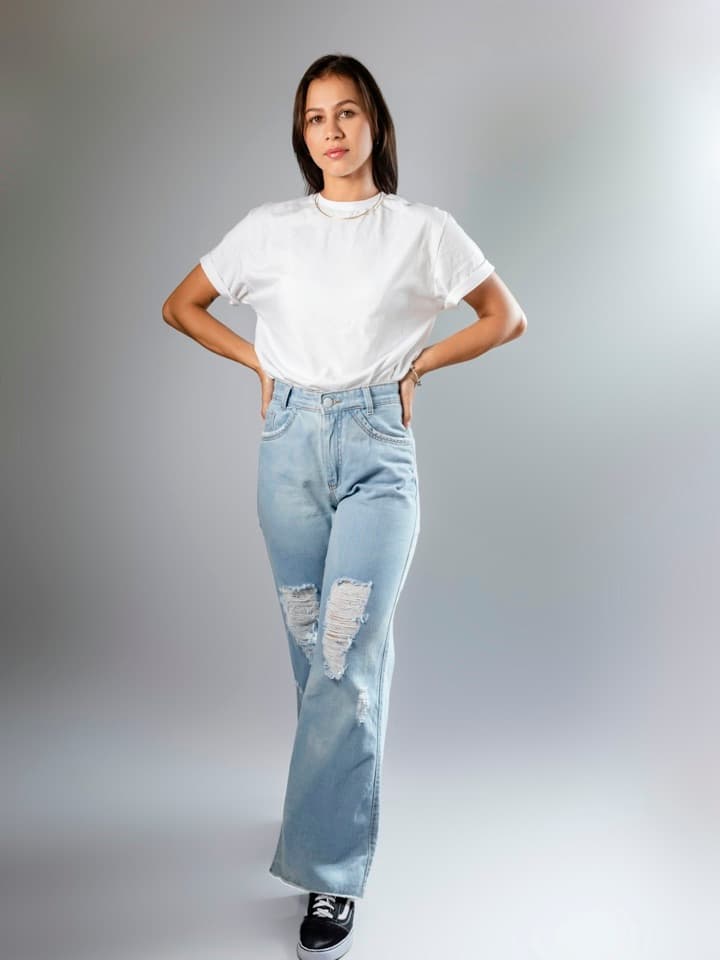
The original photo on the left, the try-on on the right.
No. 01

No. 02
No. 03

No. 04
Your turn.
There is a free quota every month: try a few looks, then decide whether to subscribe.
Try it on for freeNo credit card: sign in with Google or Apple and start.
- About 15 pictures a month free
- No credit card
- Subscribe when you want more