AI editing tools
AI background removerSwap the background for clean white in one tap
Messy background, something in the shot? Pick a photo and tap Remove background: AI finds the subject and swaps the background for white. Works on item photos, photos of you, try-on results and your own pictures.
Free accounts can use it. No card needed.
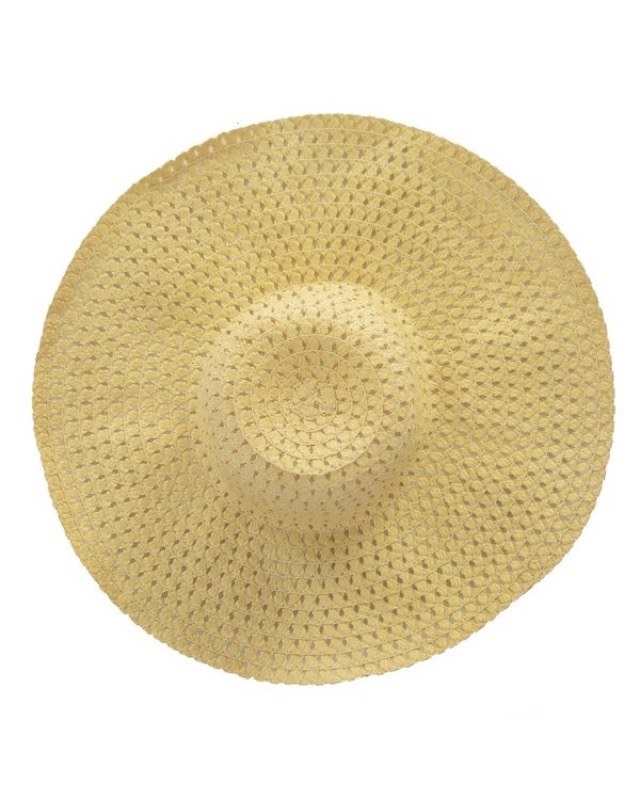
A wide-brimmed straw hat: on the left half the original, on a red-and-white picnic cloth; on the right half after removing the background, on white.
Illustration
Three steps to a white background
From picking a photo to saving it, all in one editor.
Pick a photo
Upload a new one, or choose from My pictures or your try-ons.
Tap Remove background
It takes a few seconds. If the edges aren't right, restore the background and try again.
Save or export
Save over the original, save a copy, or export a JPG or PNG.
A new background, a cleaner photo
On white, a photo looks clearer and is easier to use for other things.
Item photos, better try-ons
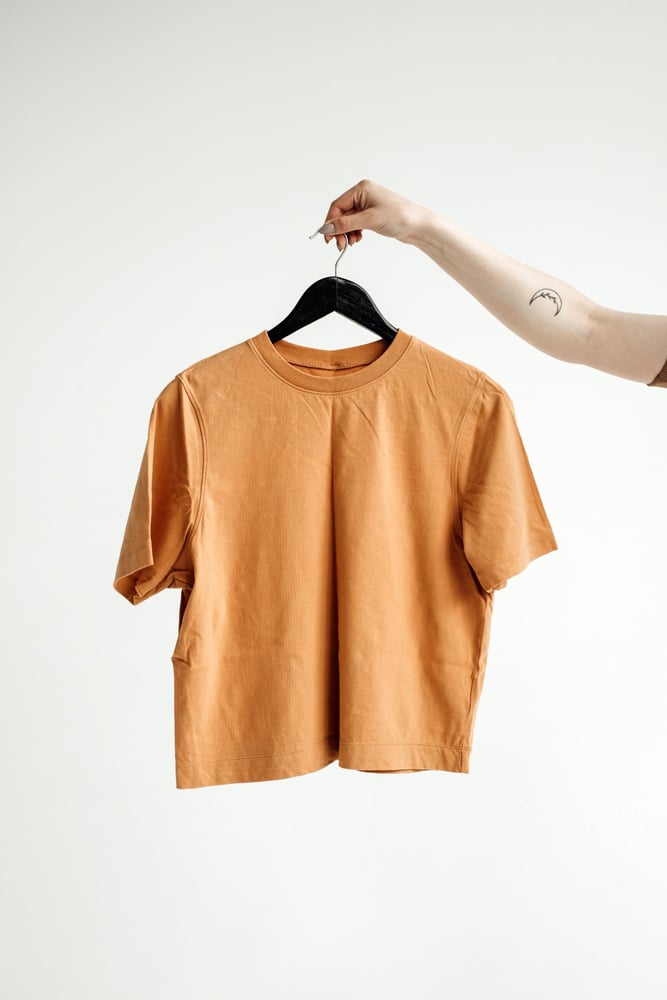
Remove a busy background first and AI sees the item more clearly when you try it on.
Resale and shop listings
A white background makes the item stand out and keeps your listings consistent.
Your own outfit images
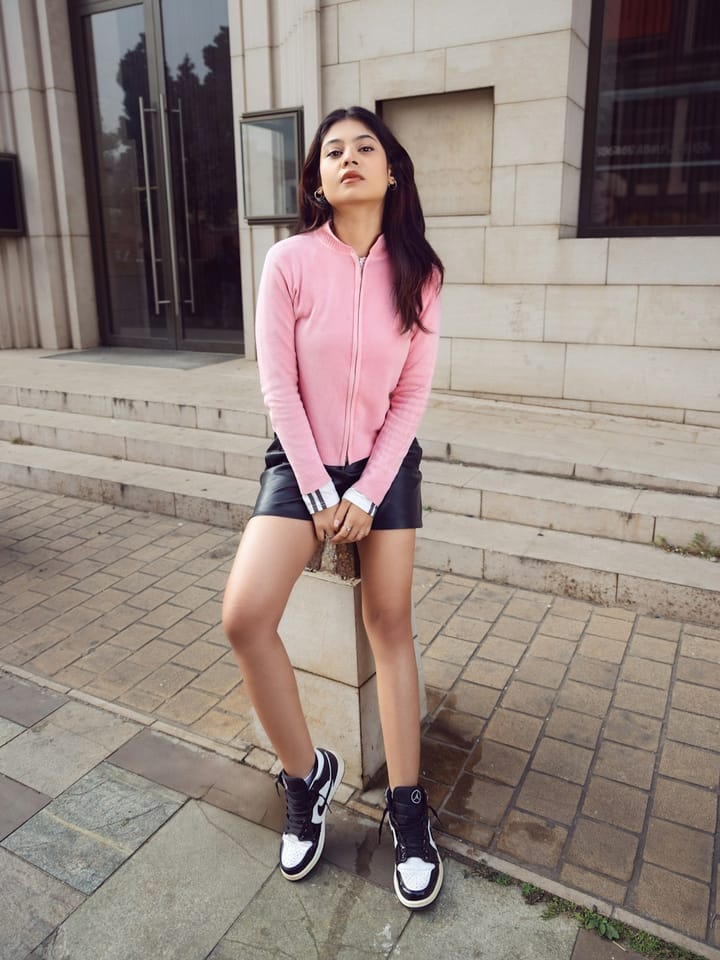
Remove the background of a try-on result, add stickers, and you have a clean outfit image.
More AI editing tools
The tools in the editor work together: edit, then save it as one picture or export a JPG or PNG.
- AI object removerPaint over it, and it's gone
- AI sticker makerDescribe it, and get a sticker of your own
Basic tools take no AI quota
- Crop
- Rotate
- Adjust
- Looks
AI background remover: questions
Does the AI background remover cost anything?
Free accounts can use it. Each run takes some of your monthly AI quota; a run that fails takes none.
Is the background transparent afterwards?
No, it becomes white. A PNG export has a white background too.
What if the edges aren't clean?
Tap Restore background to go back to the original, or try again. The change only applies to the picture once you tap Save.
Which photos can I use?
Photos of you, item photos, try-on results and pictures you uploaded. Photos of a person must be of yourself, and you must be 18 or older.
Are my photos used to train AI?
No. Your photo is sent to Google's AI service to remove the background, but it is not used to train models and nobody else sees it.
To see how AI handles your photos, read How it works and our Privacy Policy.
Leave the background to AI, keep the spotlight on you
Pick a photo and swap the background for white with one tap.
Try the AI background remover free- Free accounts can use it
- A failed run takes no quota
- Your photos are never used to train AI