AI editing tools
AI sticker makerDescribe it, and get a sticker of your own
Want a strawberry, or a retro star? Describe it in a few words: AI draws 4 for you to choose from. Tap one to put it on a try-on result, then move, resize or rotate it.
Free accounts can use it. No card needed.
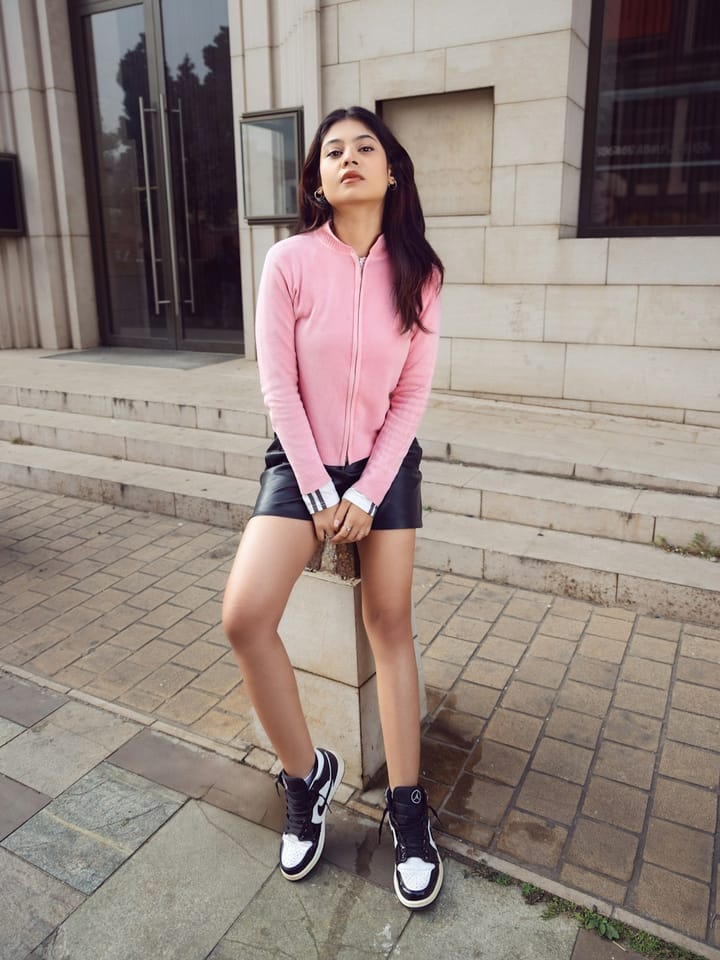
Illustration
Three steps to your own sticker
From picking a photo to saving it, all in one editor.
Open a try-on result or picture
In the editor, choose Stickers, then AI made.
Describe the sticker
A few words is enough, up to 30 characters: “a strawberry”, say.
Pick one and add it
You get 4 at a time. Tap one to add it; you can still change it after saving.
Make your outfit images more you
Can't find the sticker you want? Make one.
Keep an outfit diary
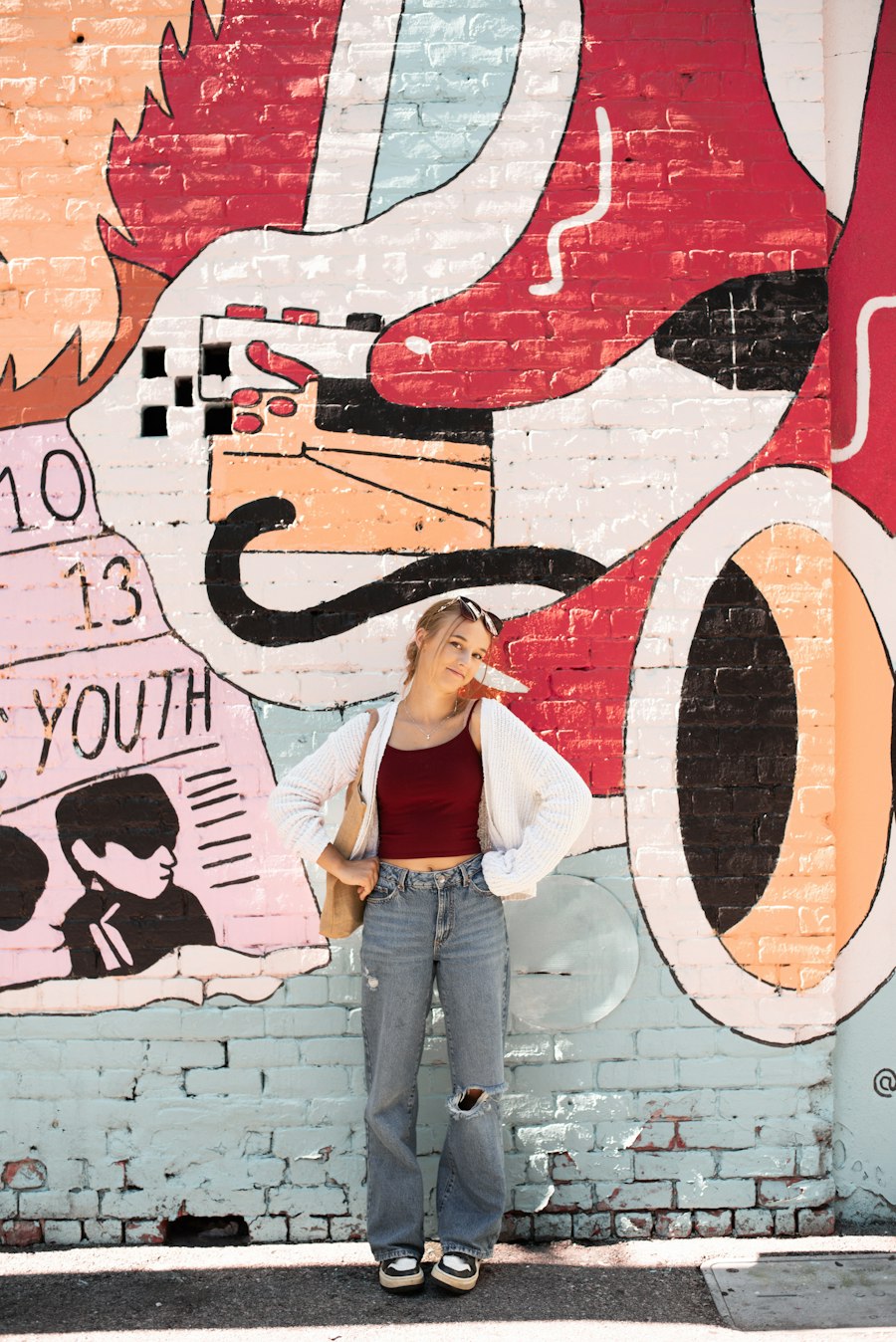
Add an outfit sticker with the date and occasion, and one picture records the look.
Share it
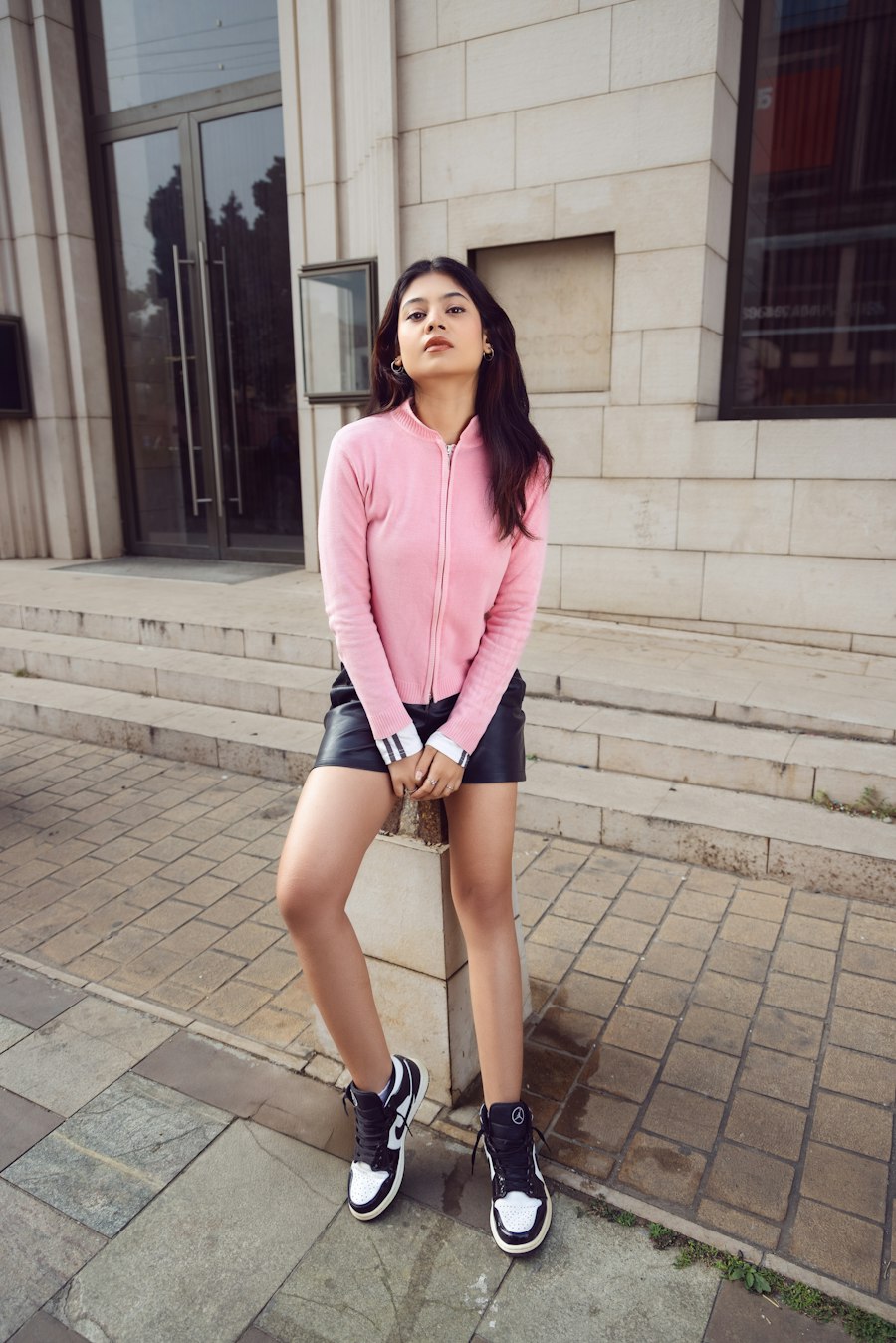
Export a try-on result with stickers and share it.
Add a mood
Holidays, trips, dates: describe it and get a sticker to match.
More AI editing tools
The tools in the editor work together: edit, then save it as one picture or export a JPG or PNG.
- AI background removerSwap the background for clean white in one tap
- AI object removerPaint over it, and it's gone
Basic tools take no AI quota
- Crop
- Rotate
- Adjust
- Looks
AI sticker maker: questions
Does the AI sticker maker cost anything?
Free accounts can use it. Each run makes 4 and takes some of your monthly AI quota; a run that fails takes none. Ready-made shapes, text and outfit stickers take no quota.
Which pictures can I add stickers to?
Try-on results and pictures you uploaded. Photos of you and item photos are for making try-ons, so they can't have stickers.
Can I change a sticker after adding it?
Yes. Open the picture again after saving and you can still move, resize, rotate or delete its stickers.
What descriptions won't work?
Descriptions against our usage rules are blocked; try putting it another way. A run that fails takes no quota.
Are my pictures used to train AI?
No. Making a sticker sends only the words you typed, never your picture, and they are not used to train models.
To see how AI handles your photos, read How it works and our Privacy Policy.
Your outfit, with your stickers
Describe it, then pick from 4.
Try the AI sticker maker free- Free accounts can use it
- A failed run takes no quota
- Ready-made stickers take no quota