Free account included
AI virtual try-onUpload one photo and try on what you want to buy
Upload an everyday photo of yourself, add a product picture from any online shop, and in about a minute AI puts it on you. Swap your top, bottoms and shoes together, and see whether it suits you before you buy.
A free account makes about 15 images a month. No credit card needed.
Try on online in three steps
Nothing to install and nothing to measure: start in your browser.
 01
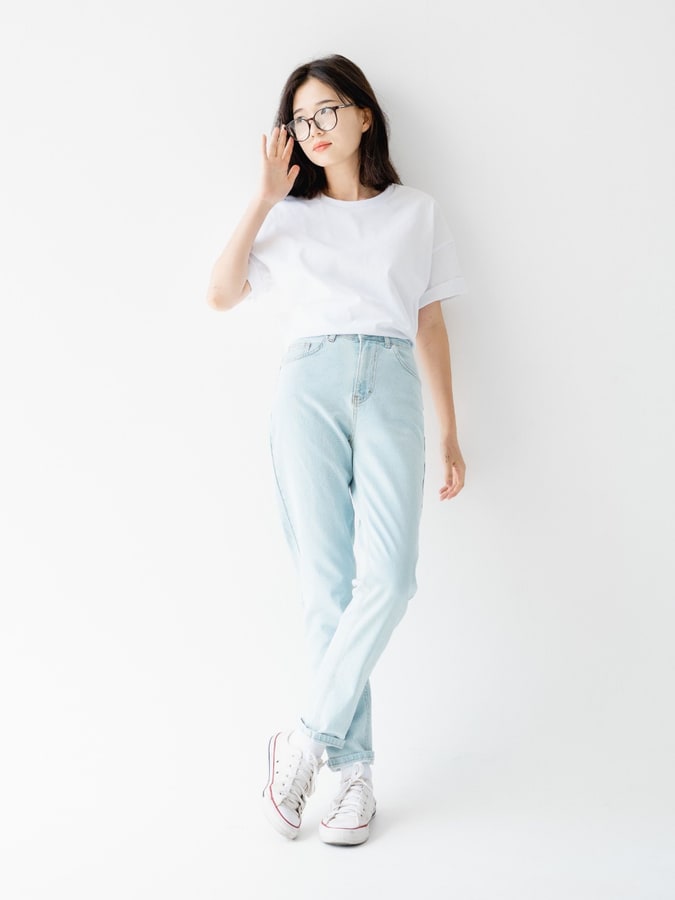
Upload your photo
Stand facing the camera in good light, alone in the shot. For bottoms or shoes, use a full-length photo.
 02
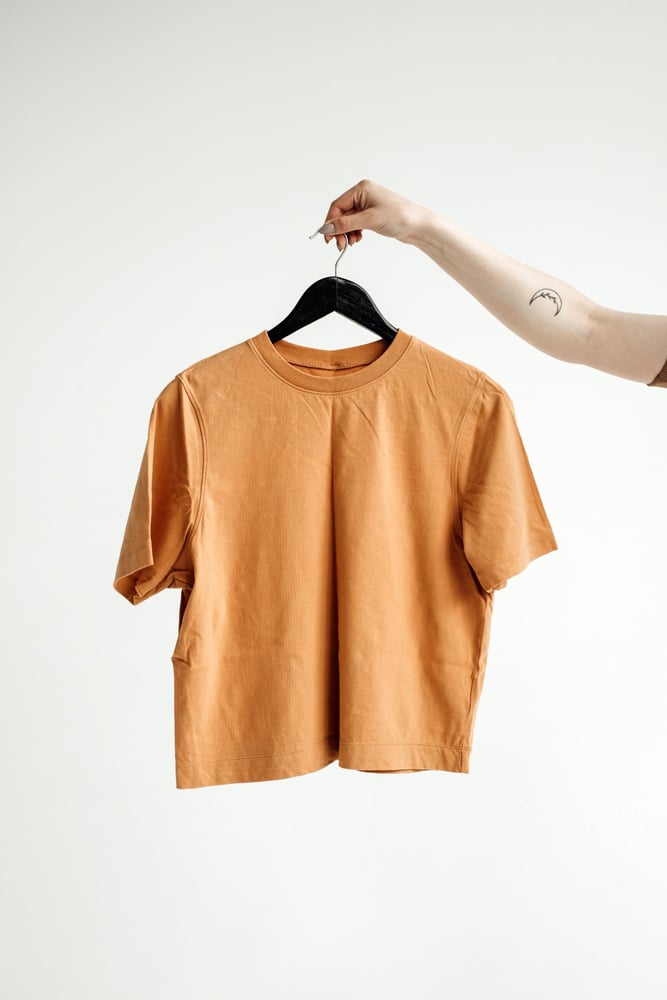
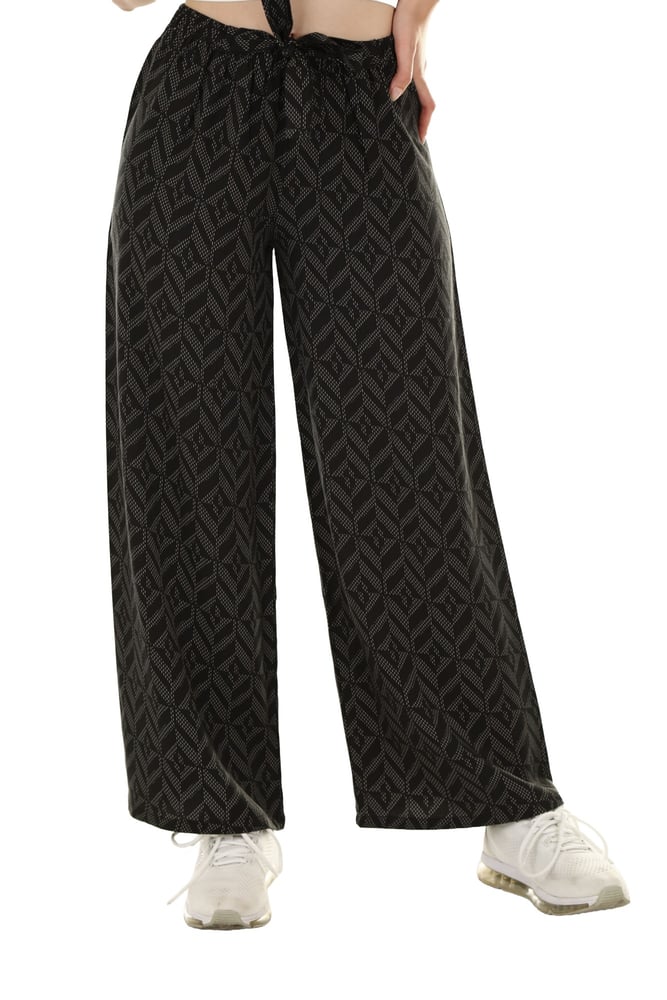
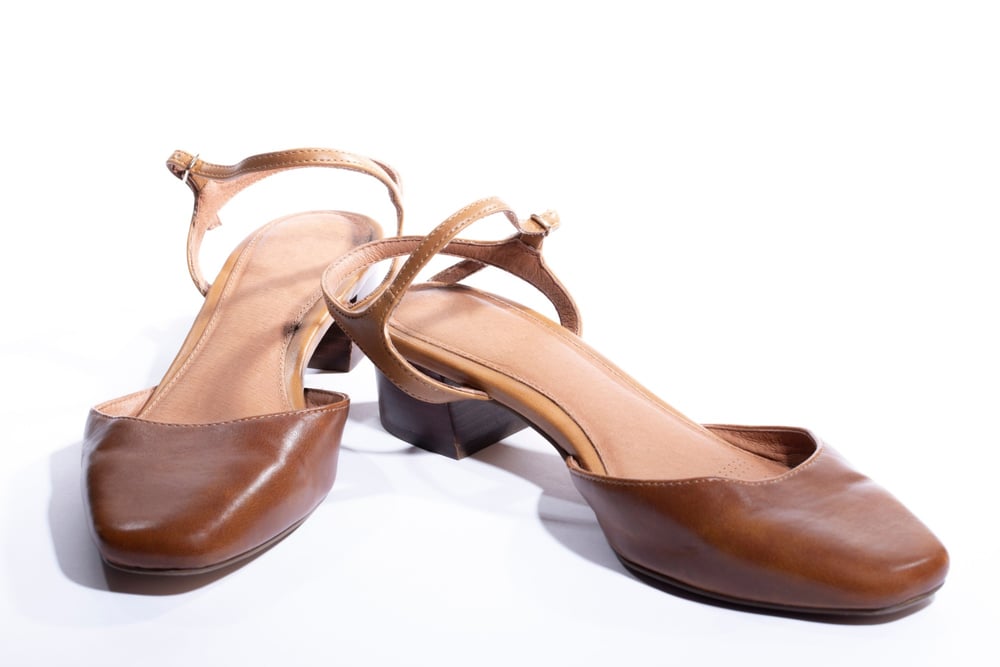
Add what you want to try
Product pictures from a shop, screenshots, or flat-lay photos you took yourself all work. Swap top, bottoms and shoes at once, or just one.
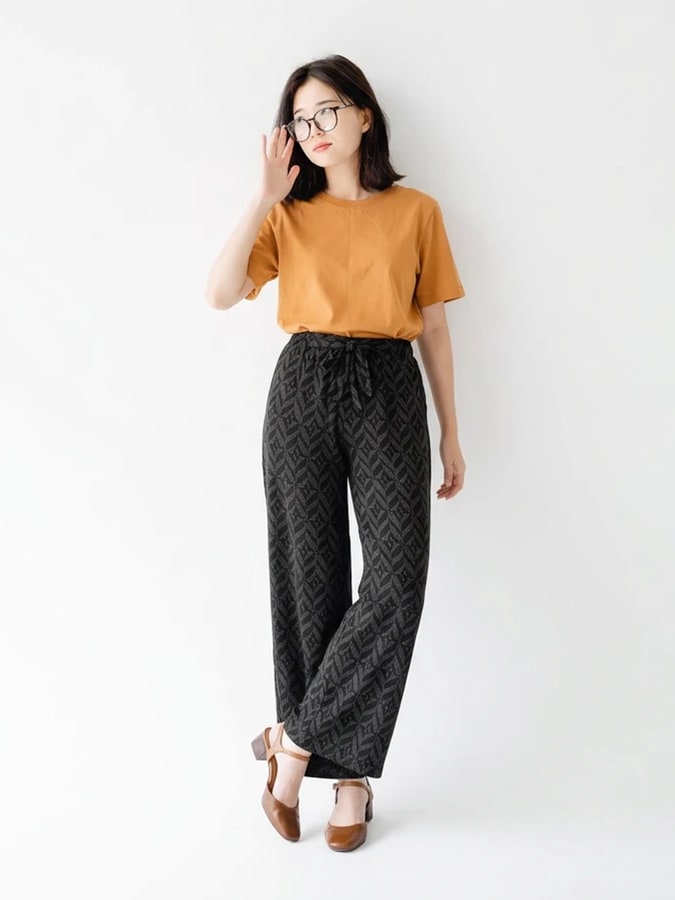 03
See how it looks on you
It usually takes 10 to 50 seconds. Not quite right? Generate again, or change the scene with Poses and occasions. A run that fails uses no quota.
Before and after at a glance
The same photo with different items on. Your face, hair and background stay; only the items you're trying change.
Sample images
 Before
 After
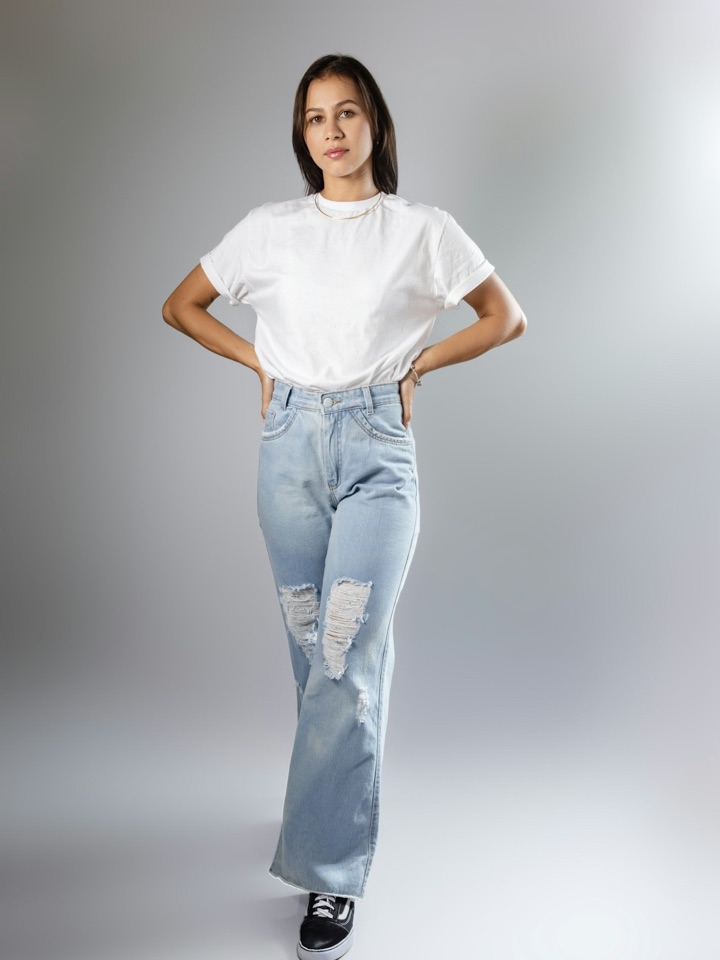 Before
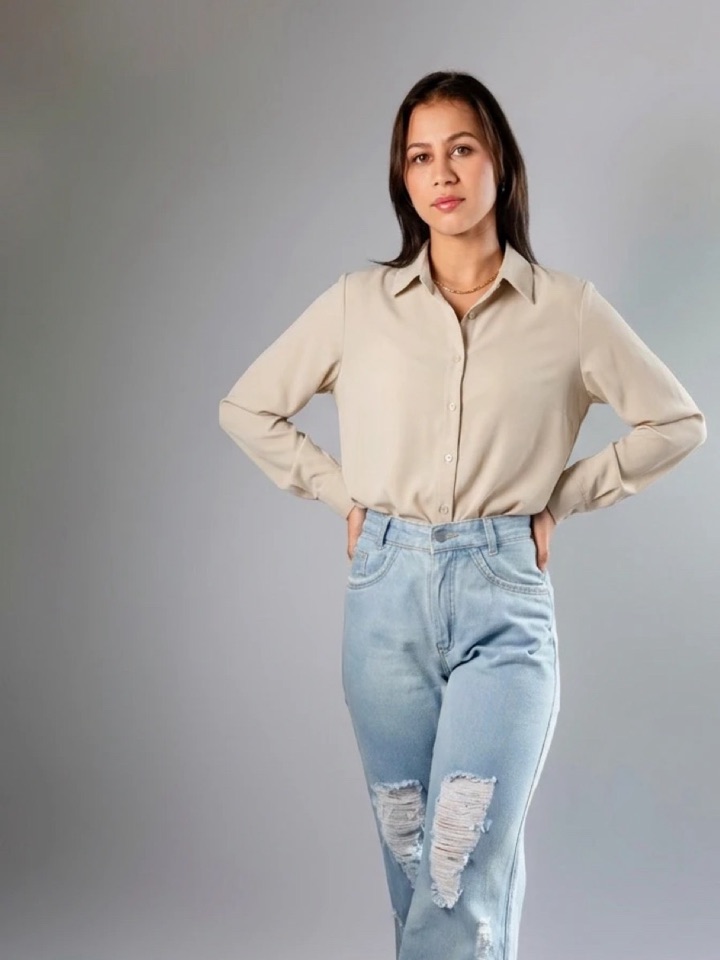 After
 Before
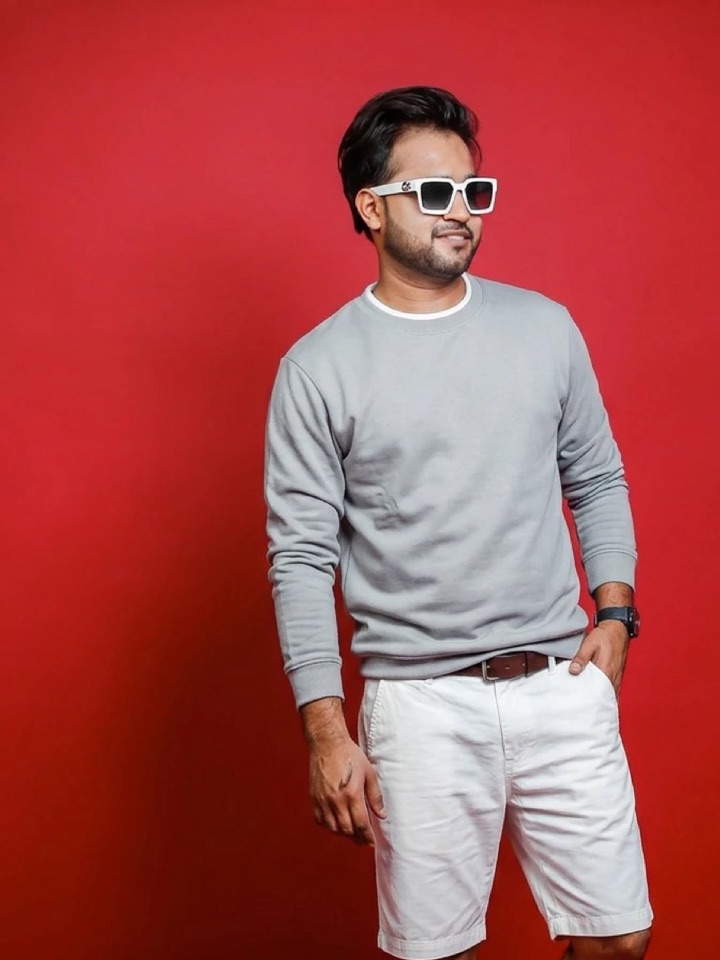 After
When does AI try-on help?
Not sure it'll suit you, or worried you'll end up returning it? Try it on first.
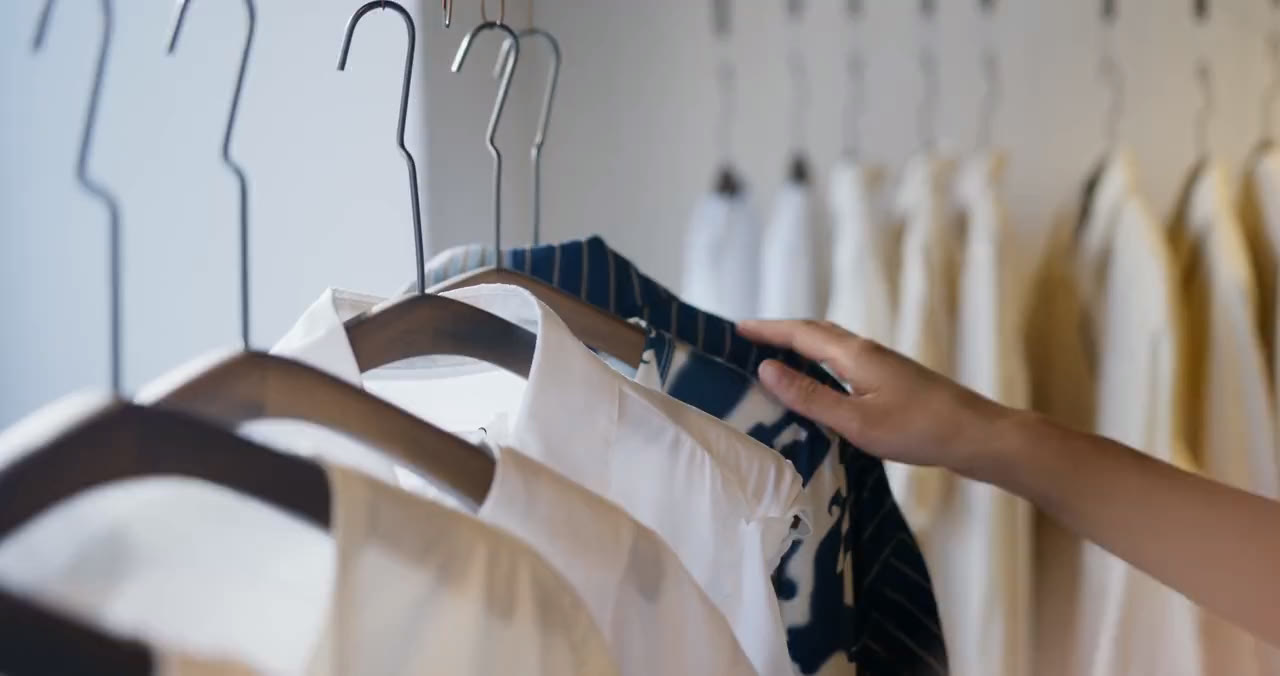
Before you buy online
Spot something you like, screenshot it and try it on. You'll know whether the colour and cut work before you order.
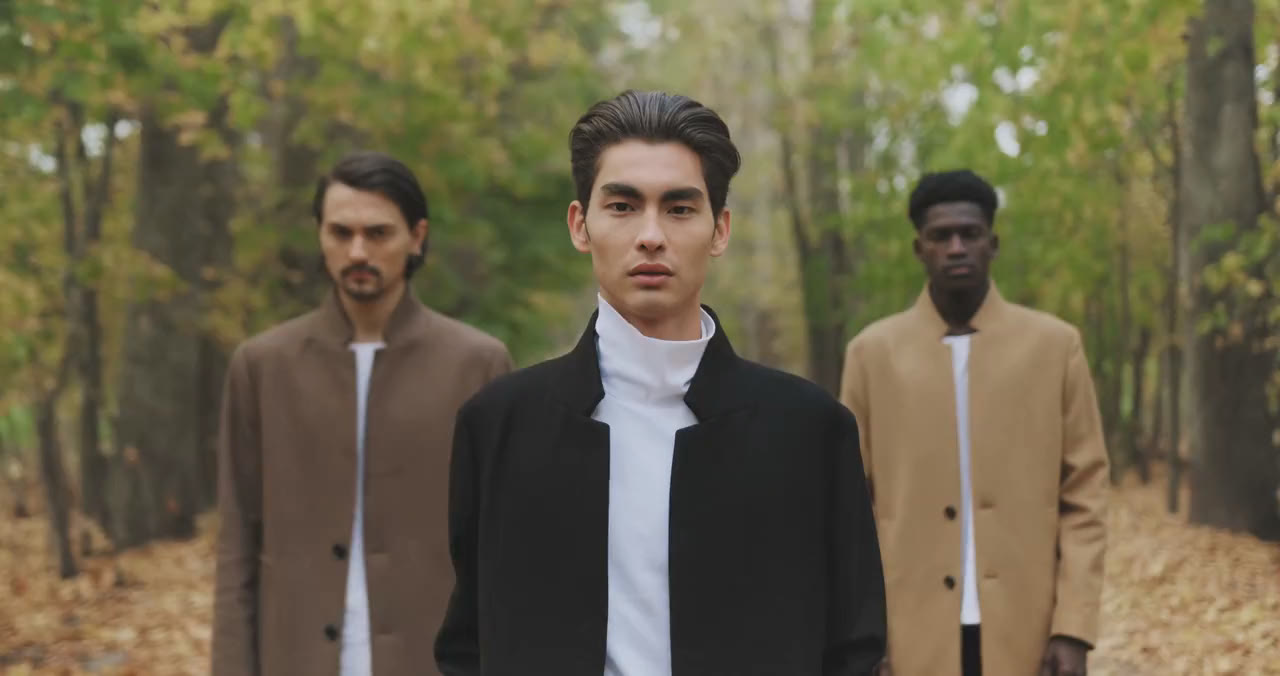
Pick an outfit before you go out
Date, interview or client meeting: try a few outfits and pick the one you like best.
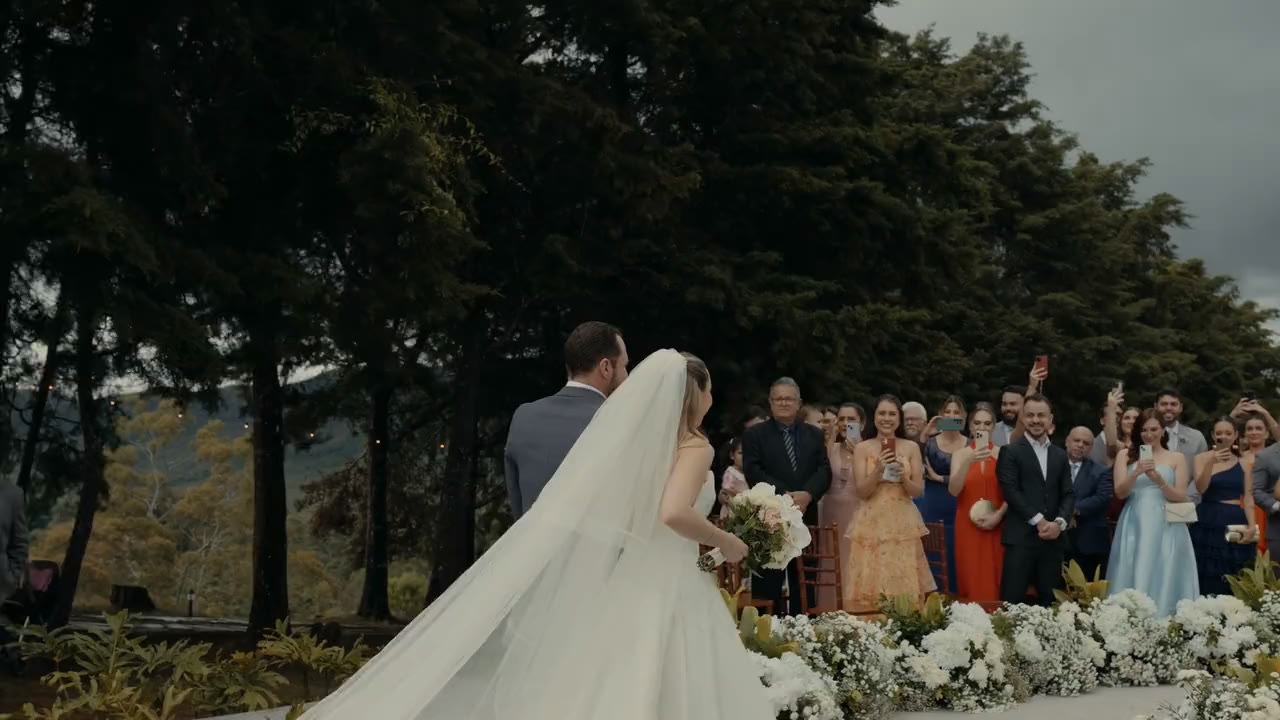
Get the big day right
Weddings, graduations, holiday photos: change the background with Poses and occasions and see how you'd look there.
After the try-on, keep going
One account and one AI quota for everything.
- AI outfit adviceAsk AI to score your outfit and say what would make it better.Learn more
- AI smart wardrobeKeep your own pieces in a wardrobe and try them on together.Learn more
- AI editing toolsRemove backgrounds, erase things, add stickers and polish your try-on result.Learn more
- Social media templatesDrop your photo into a ready-made layout for Instagram or Threads.Learn more
BeginDress App
Try on anytime on your iPhone
Take a photo on your phone or pick a shop screenshot from your library, and try things on the moment you see them. Your account and history are shared with the website, so you can pick up anywhere.
- Take a photo and try on, no computer needed
- Same AI quota and try-on history as the website
- Works with a free account too
 Android app coming soon
 Scan with your iPhone camera
AI virtual try-on FAQ
Does AI virtual try-on cost anything?
A free account makes about 15 images a month, with no credit card. If you want more, subscribe to a monthly plan and cancel any time. A run that fails or is stopped by the check uses no quota.
How accurate is the result?
It's an AI simulation based on your photo. Colour, cut, length and fit may differ from the real thing, and nothing measures your size. Take it as a good idea of the look.
How many items can I try at once?
A top, bottoms and shoes together, or just one of them, plus accessories.
What kind of photo works best?
Stand facing the camera in good light, alone in the shot. Use a full-length photo for bottoms or shoes; a half-length one is fine for a top. Only upload photos of yourself, and you must be 18 or over.
Will my photos be used to train AI?
No. Your photos are used only to make your results and keep your history. They aren't used to train models or sold to anyone. To make a result, they are sent to Google's AI service for processing. The full details are in the Privacy Policy.
Do I need to download the app?
No, the website works in any browser. On an iPhone you can get BeginDress from the App Store, with the same account and history as the website. The Android app is coming soon.
Try it on before you buy
One photo, one item, and in a minute you see it on you.