New
AI smart wardrobeSnap an outfit, and its items hang themselves up
What is actually in your wardrobe? Take a full-length photo of today's outfit. AI finds the tops, trousers, shoes and accessories, sorts them, and redraws each as a flat product photo, building a clear digital wardrobe.
Free accounts can use it. No card needed.
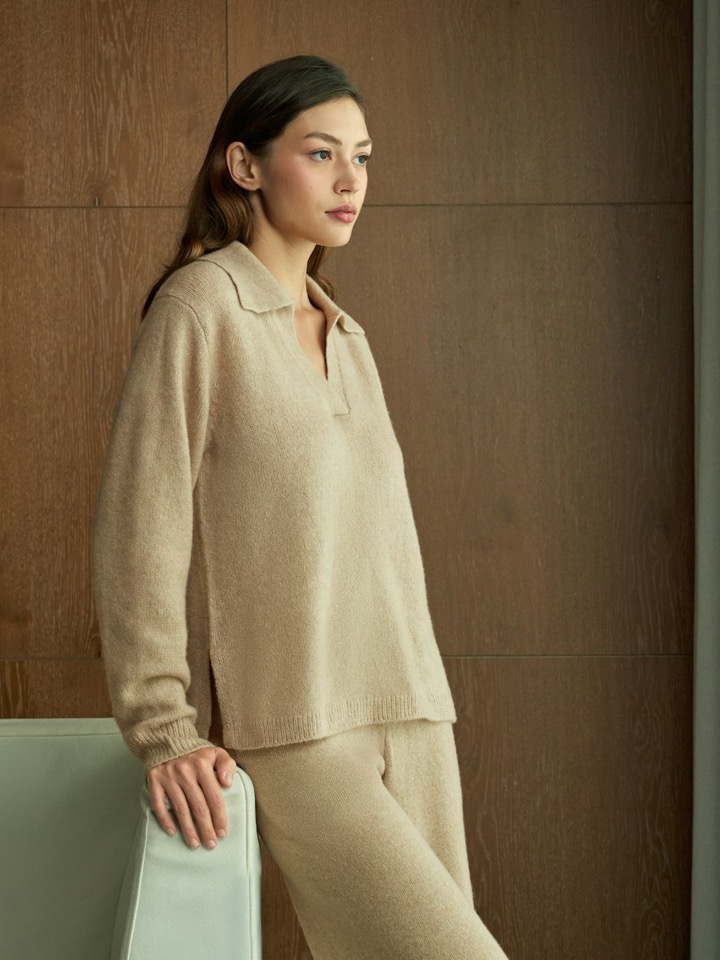
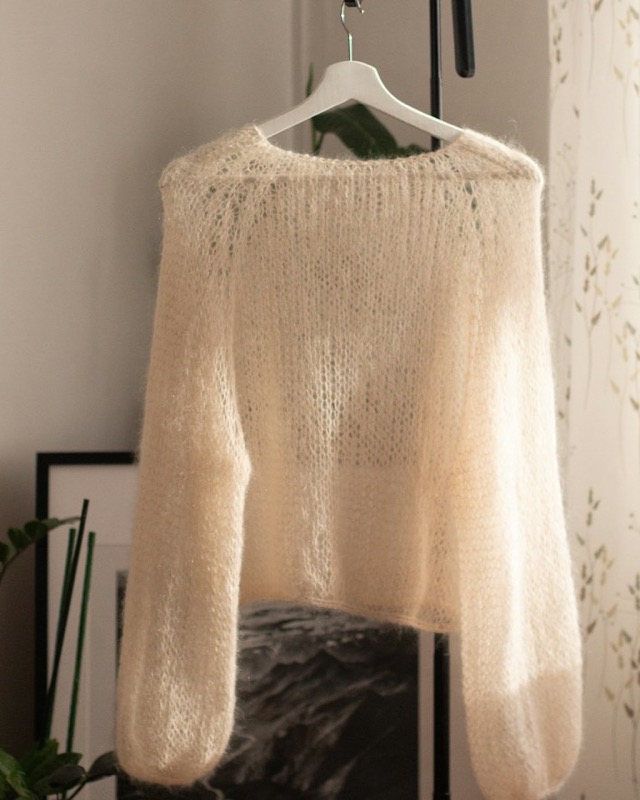 Cream knit sweaterTop · Autumn/Winter
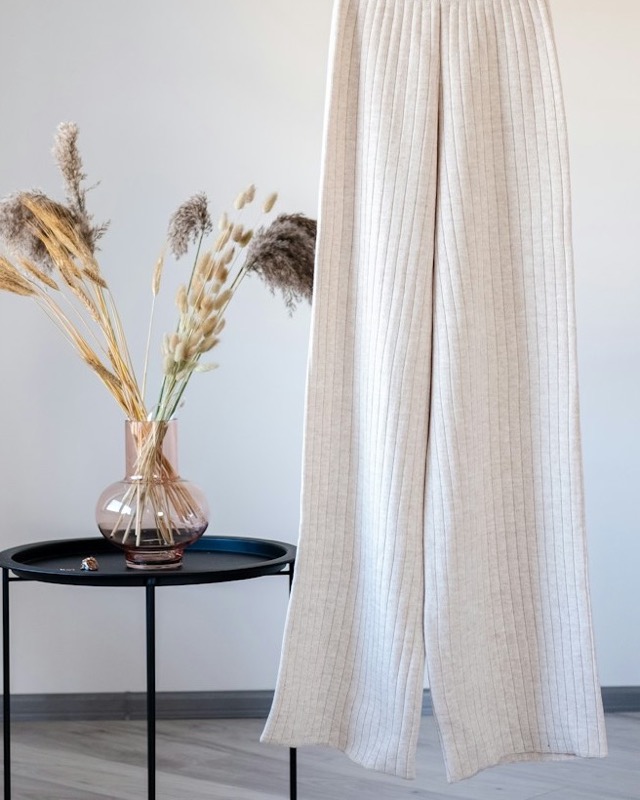 Off-white knit trousersBottom · Autumn/Winter
In your wardrobe · 2 items
AI sorts it for you
One photo, and your wardrobe is sorted
No laying each item flat to photograph it, no typing it all in. Snap an outfit a day and your wardrobe fills up.
Finds every item
Tops, trousers, skirts, shoes and bags: everything in one photo, found at once.
Sorts them for you
Category, colour and season are filled in; tap to fix anything that is off.
Redraws them as product photos
Each item becomes a clean flat photo, so your wardrobe wall is clear at a glance.
Try them on
Use any item in your wardrobe in an AI try-on, and see how something new would go with it before you buy.
My wardrobe
- Cream knit sweater
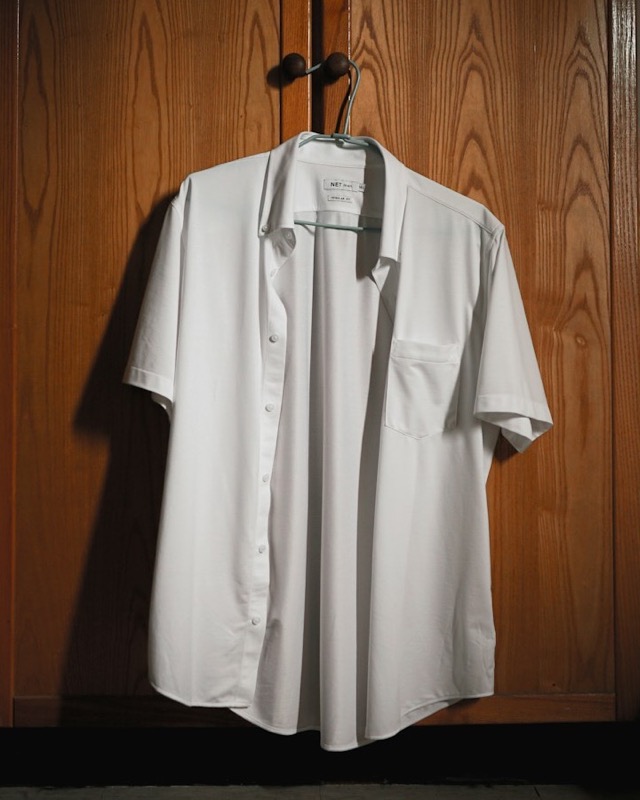 White short-sleeved shirt
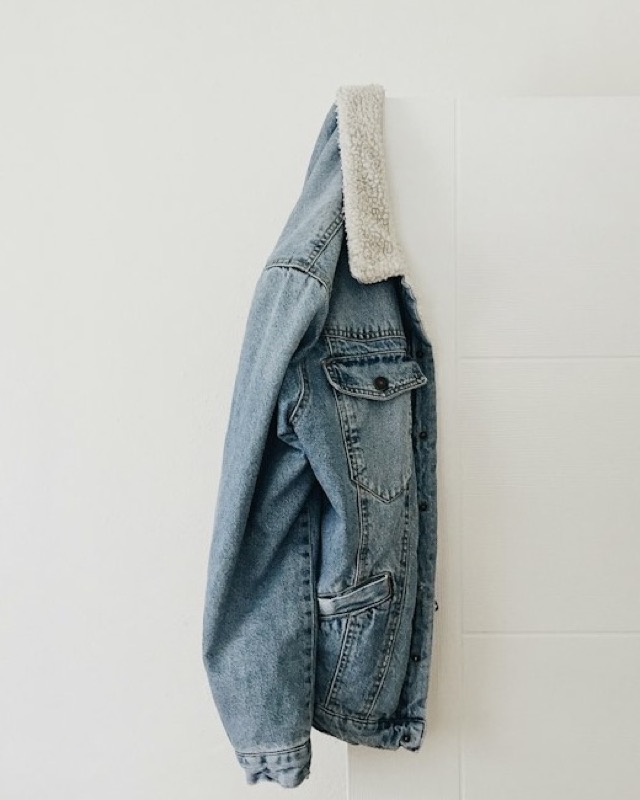 Denim jacket
- Off-white knit trousers
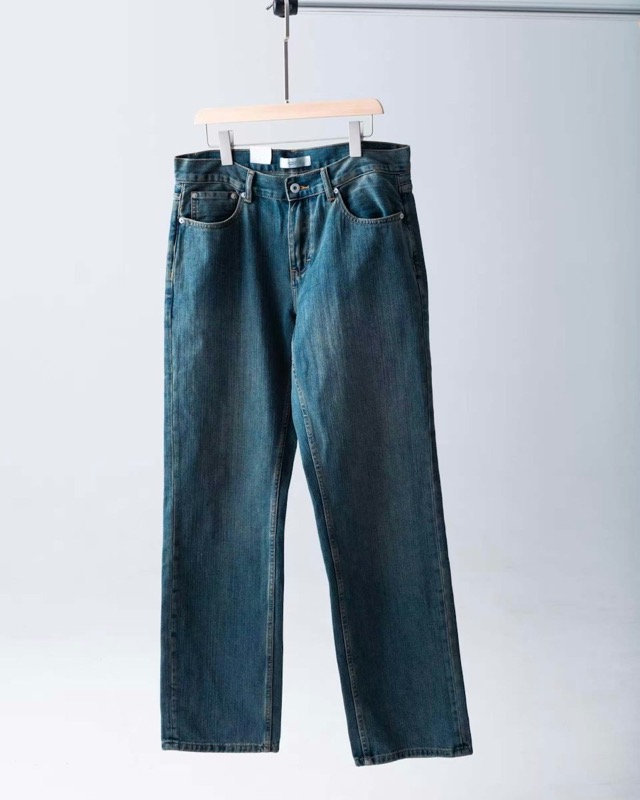 Straight jeans
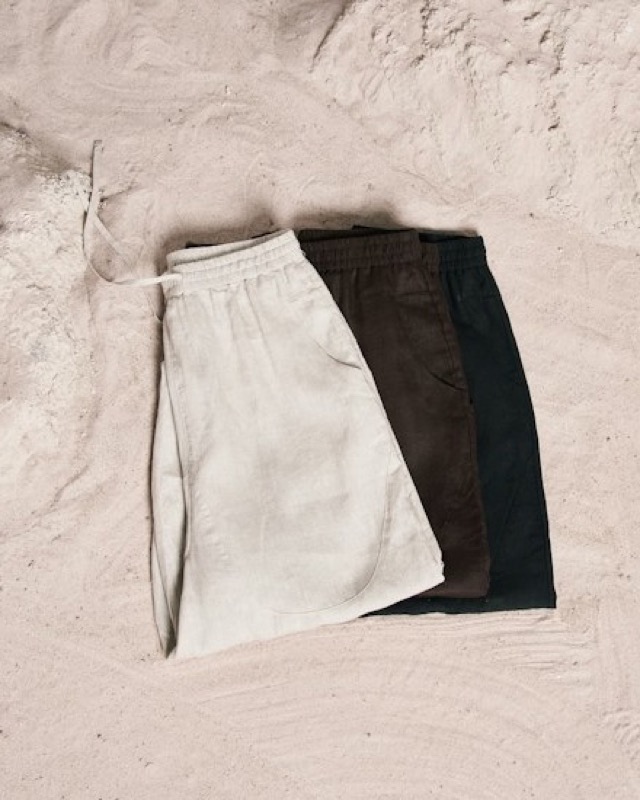 Linen shorts
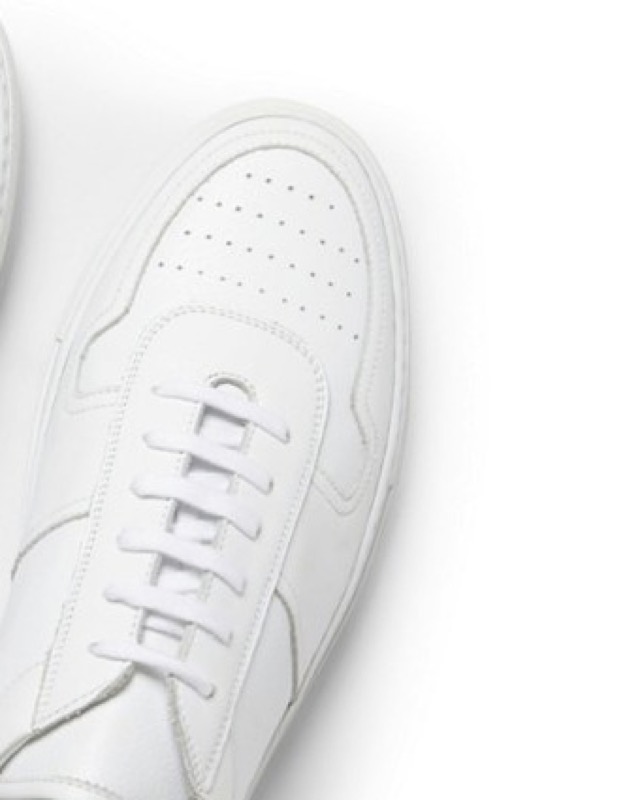 White trainers
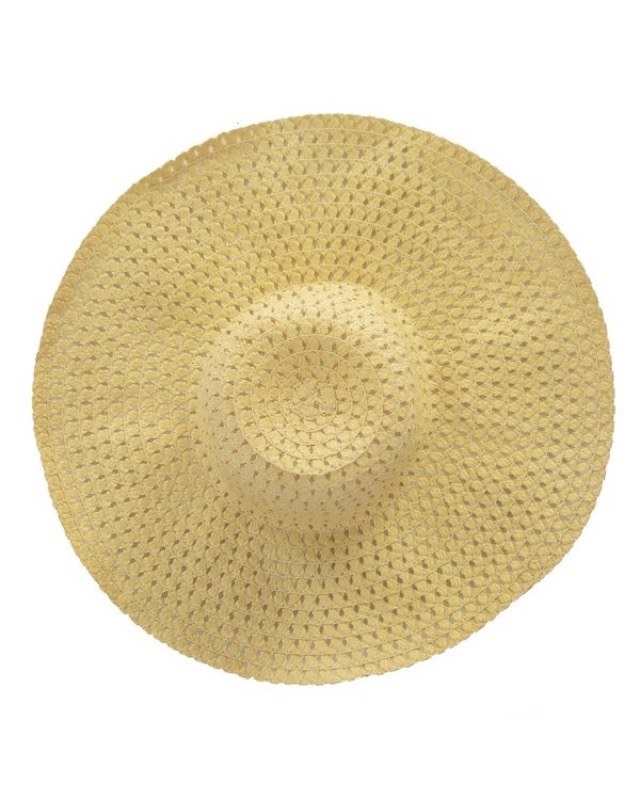 Straw hat
- White short-sleeved shirtTop
- Linen shortsBottom
- White trainersShoes
No AI needed
Have photos already? Hang them straight up
Got photos of your items, or saved product photos from a shop? Upload them, pick a category and season, and they are in. Choose as many as you like.
For a tidier wall, you can remove their backgrounds too.
How it works
Your digital wardrobe in three steps
Snap an outfit
In a mirror or with a friend's help. Full length and good light work best.
Check the items found
Pick the ones to keep, and fix their names, categories, colours and seasons.
Hang them up
AI redraws each as a product photo. Keep the ones you like.
Once it is sorted
What to do with a sorted wardrobe
When you know what you have, getting dressed and shopping both get easier.
Pick fast before you go out
Tops, bottoms, shoes and accessories are sorted, so what you want is easy to find.
Try before you buy
Found something new online? Try it on with AI together with items from your wardrobe.
Swap seasons
Filter by spring/summer or autumn/winter and see at once what to bring out.
Note brands and prices
Tag every item, and note its brand, price and where you bought it.
AI smart wardrobe FAQ
Does the AI smart wardrobe cost anything?
Free accounts can use it. Finding the items in an outfit photo and redrawing them uses your monthly AI quota; uploading your own item photos, sorting and tagging do not.
Is my full-length photo kept?
No. Outfit photos are only used to find the items, and are deleted once the items are in your wardrobe; if you do not finish, they are kept for at most 7 days. Only the item photos stay.
Do the redrawn photos match the real thing?
AI works from your photo, but parts hidden by an arm or a bag are guessed, so details like patterns and logos may differ. If one is not right, redraw it, or upload a photo of the item instead.
Are my photos used to train AI?
No. Photos are sent to Google's AI service to find and redraw the items, but are never used to train models or shown to anyone else.
Can I use someone else's outfit photo?
Outfit photos must be of you, and you must be 18 or older. Photos of items with no one in them, laid flat, hanging or from a shop, can be uploaded as they are.
How many items can my wardrobe hold?
An outfit photo finds every item in it, and you can upload many item photos at once. How many fit depends on your plan's storage.
To learn how AI handles your photos, see How it works and the Privacy Policy.
Whatever you wear today, hang it up
One photo, and your digital wardrobe has begun.
Start my wardrobe for free- Your full-length photo is deleted once the items are saved
- Your photos are never used to train AI
- Free accounts can use it